 For our customers that connect Erplain to QuickBooks Online, we recommend using QuickBooks exclusively for your inventory valuation.
QuickBooks is your accounting system and it uses the transactions sent from Erplain (Invoices and Purchase orders) to calculate product cost and inventory valuation. Erplain doesn't sync cost data with QuickBooks.
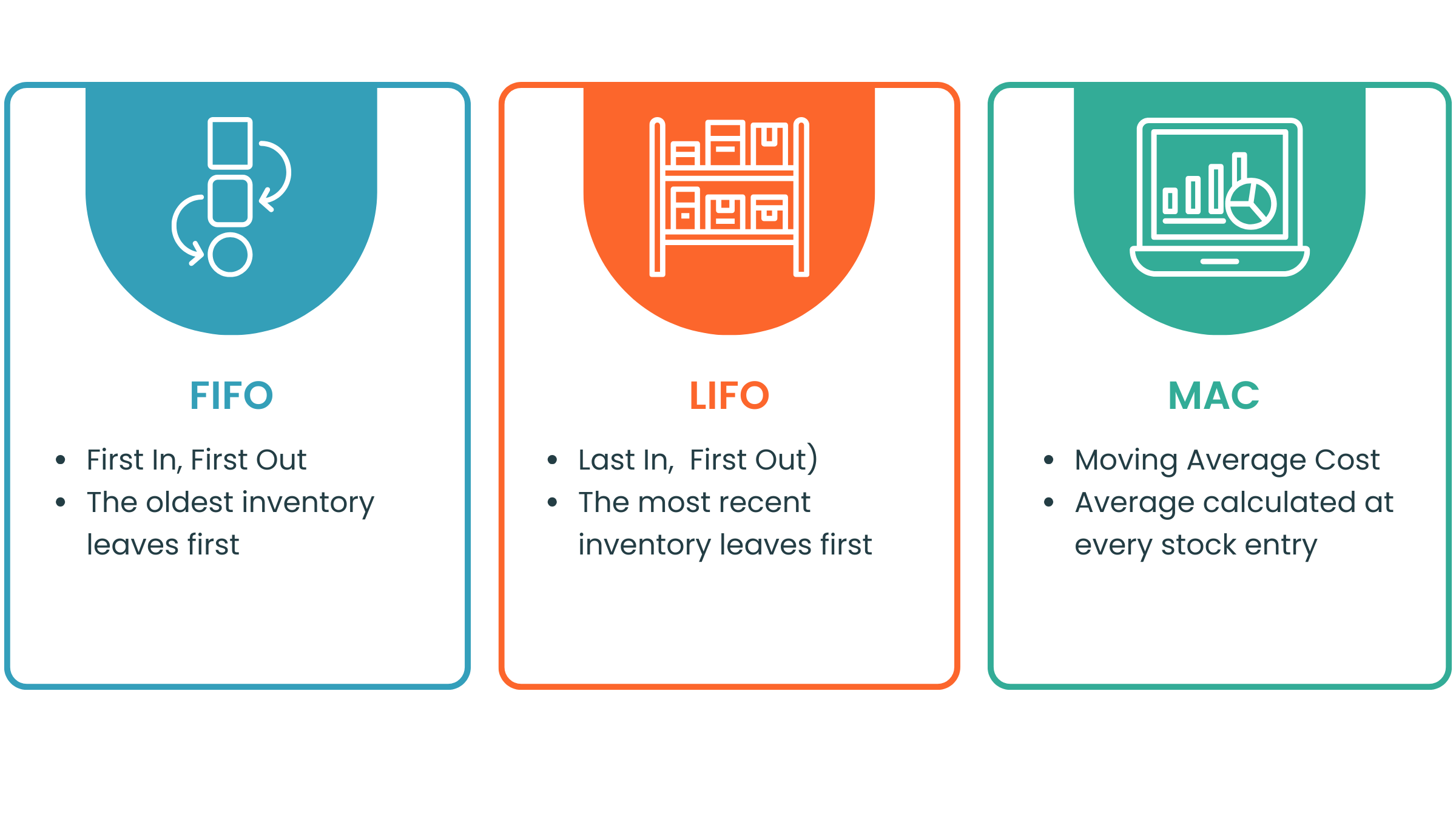
QuickBooks uses FIFO for inventory valuation while Erplain offers a choice between MAC, LIFO and FIFO.
In Erplain, Purchase price and Cost are two different numbers. The Purchase price is the default price being used when creating a Purchase Order. The product Cost refers to the cost to acquire or create a product and will vary each time you add product to your inventory.
You can find additional information on how Erplain calculates the inventory valuation on this page.