There are 2 types of bundles in Erplain: Assemblies (own inventory and pricing) and Kits (inventory and pricing from their components). You can find more information on this page.
In the case of Assemblies (Bundles with their own inventory and pricing), these products will sync as normal products with QuickBooks Online.
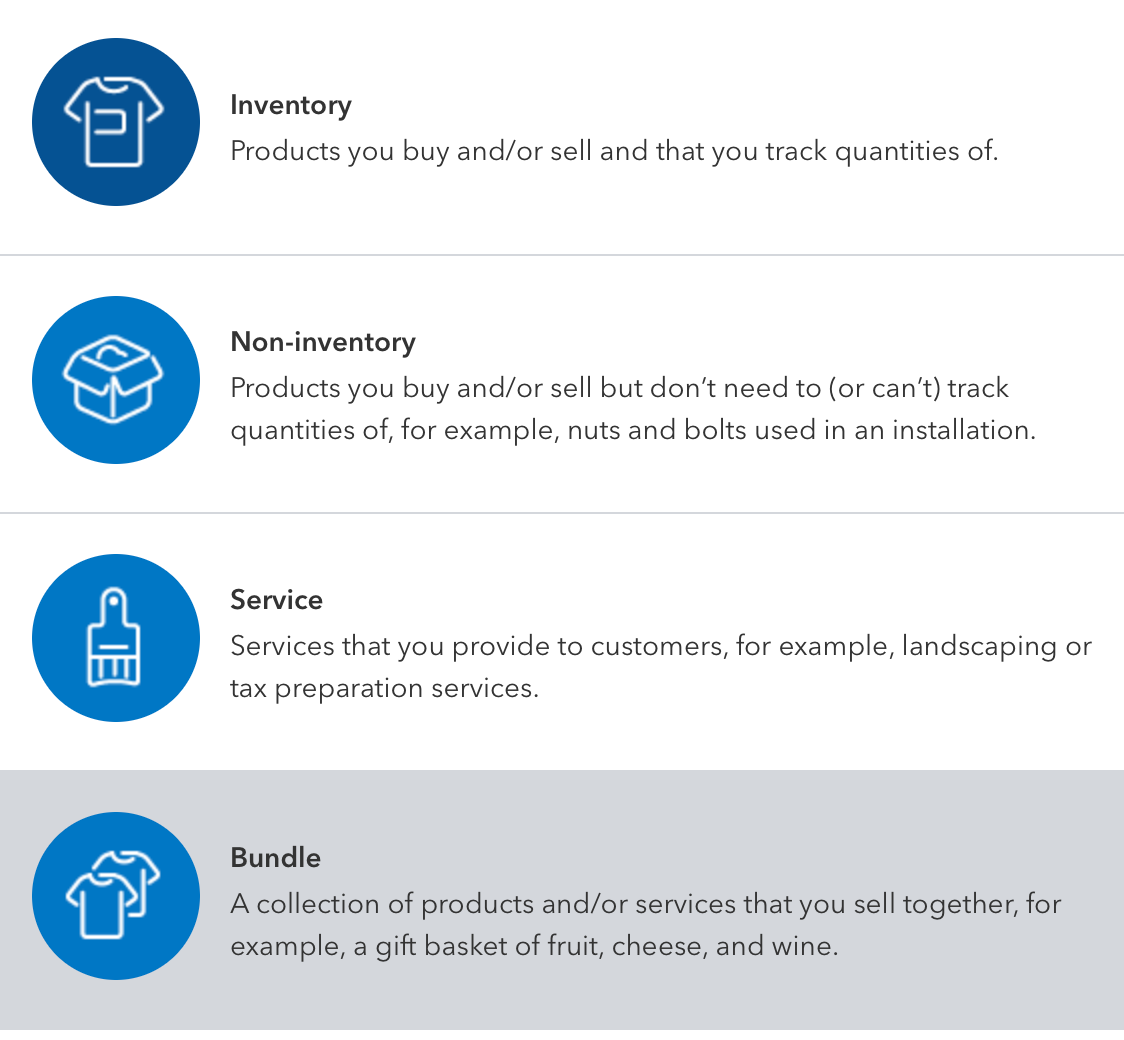
In the case of Kits (Bundles with the inventory and pricing from their components), you will need to create this type of bundle in QuickBooks first. You can then import this bundle to Erplain or map this bundle with the same bundle created in Erplain (instructions here).
Kit updates: Once this type of bundle (Bundles with the inventory and pricing from their components) is mapped between the 2 systems, make sure to only make changes to this bundle on the QuickBooks side, it will update Erplain. It won't work from Erplain to QuickBooks.
Was this article helpful?
That’s Great!
Thank you for your feedback
Sorry! We couldn't be helpful
Thank you for your feedback
Feedback sent
We appreciate your effort and will try to fix the article