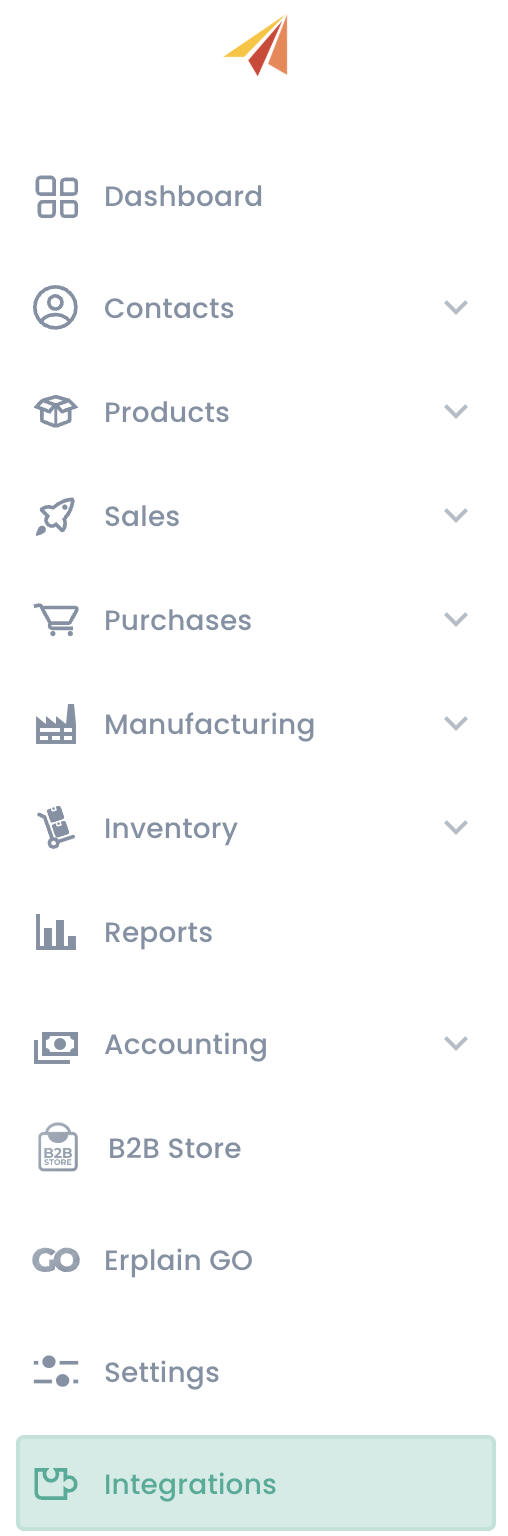
If you already have an Erplain account and want to connect it to your QuickBooks account, simply go to the 'Integrations' menu:
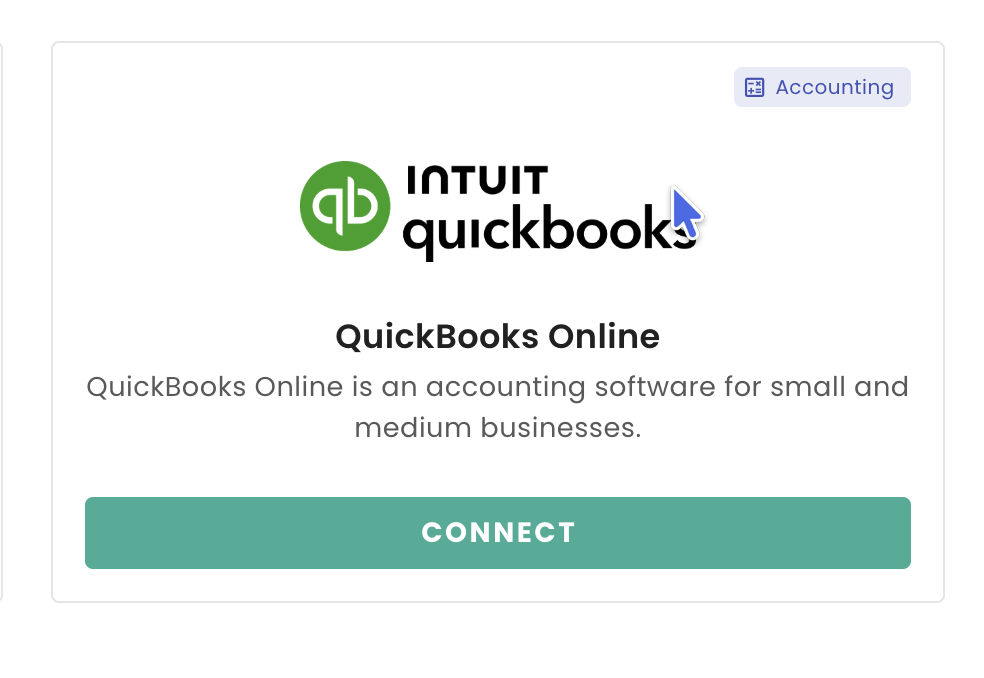
- Click on the 'Connect' button under the QuickBooks logo:
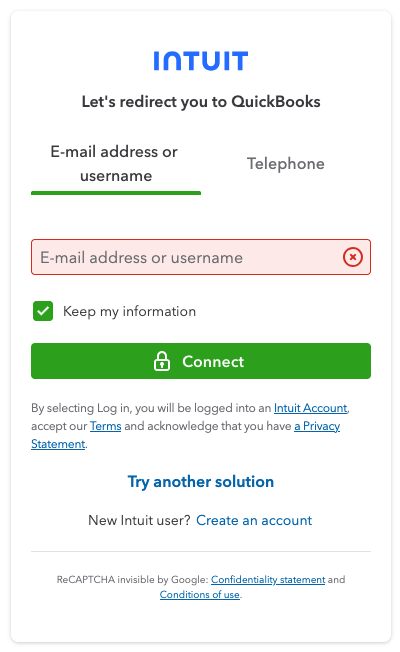
- Once redirected to the QuickBooks portal, log into your QuickBooks account :
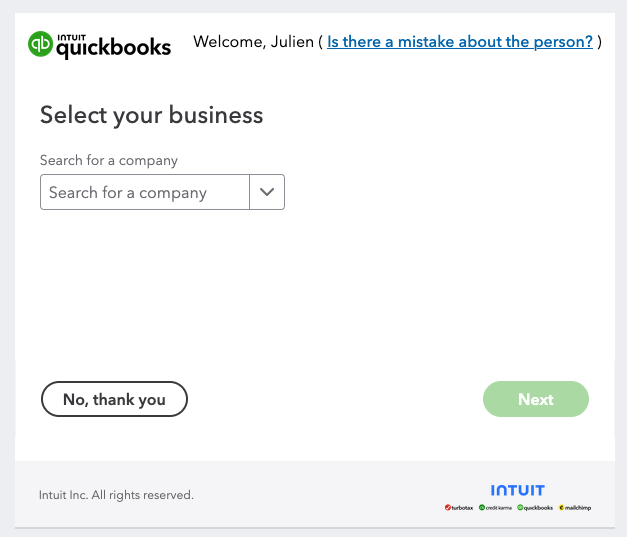
- You can now choose the company you want to synchronize with Erplain
- You now need to connect both accounts
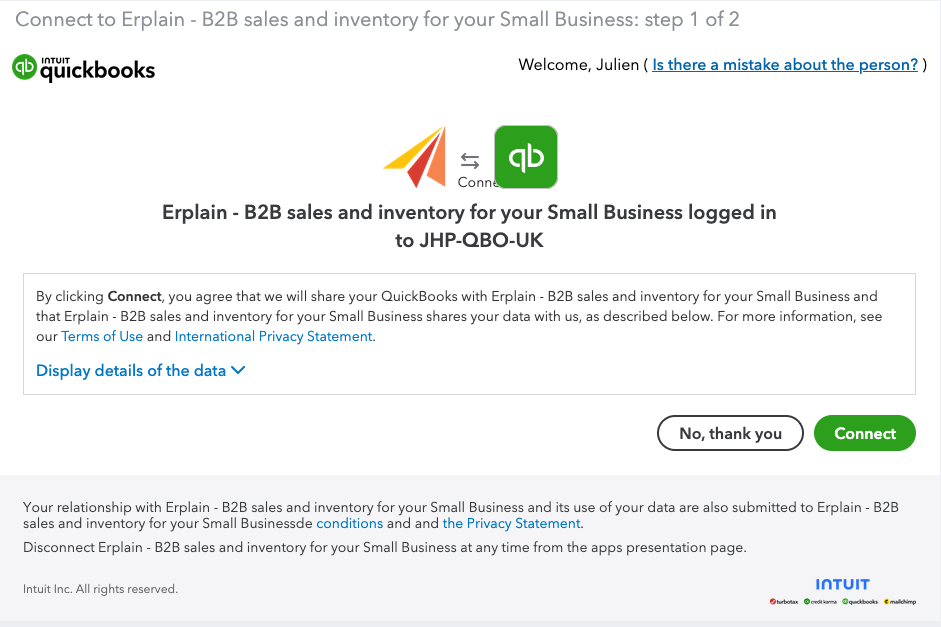
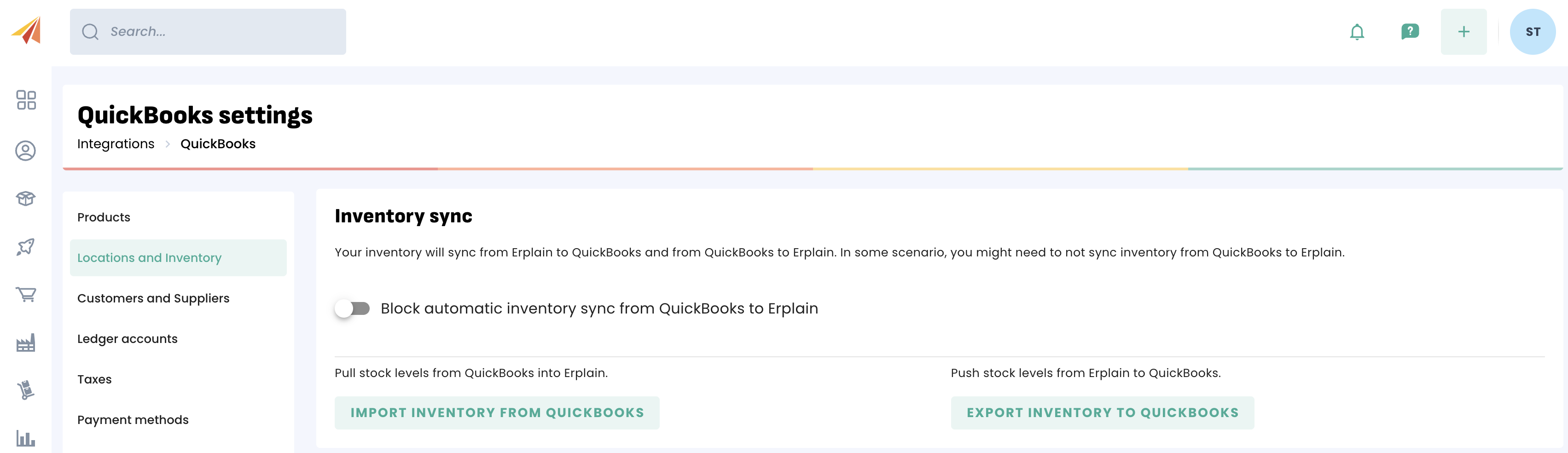
- Both accounts are now connected, you can customize the integration in the settings.
Important
- Please note that you need a QuickBooks Online Plus account to sync products, invoices and purchase orders from erplain to QuickBooks.
- Connecting Erplain to a new QuickBooks account
Disconnecting your Erplain account from QuickBooks to connect to a new QuickBooks account is not supported. We recommend that you either:
1.Open a new Erplain account for the new QuickBooks account
2. Delete all the data in your account before connecting Erplain to a new QuickBooks account.
Once you connect erplain to QuickBooks, your products are linked, your invoices are linked and your customers are linked. You would experience many inventory issues by connecting to a new QuickBooks account.
Was this article helpful?
That’s Great!
Thank you for your feedback
Sorry! We couldn't be helpful
Thank you for your feedback
Feedback sent
We appreciate your effort and will try to fix the article