Once you have received your products in Erplain, you can add a file, for example the supplier bill, directly in the purchase order in Erplain. If your purchase order is sent to QuickBooks this file will automatically be transfered in the corresponding purchase order in QuickBooks.
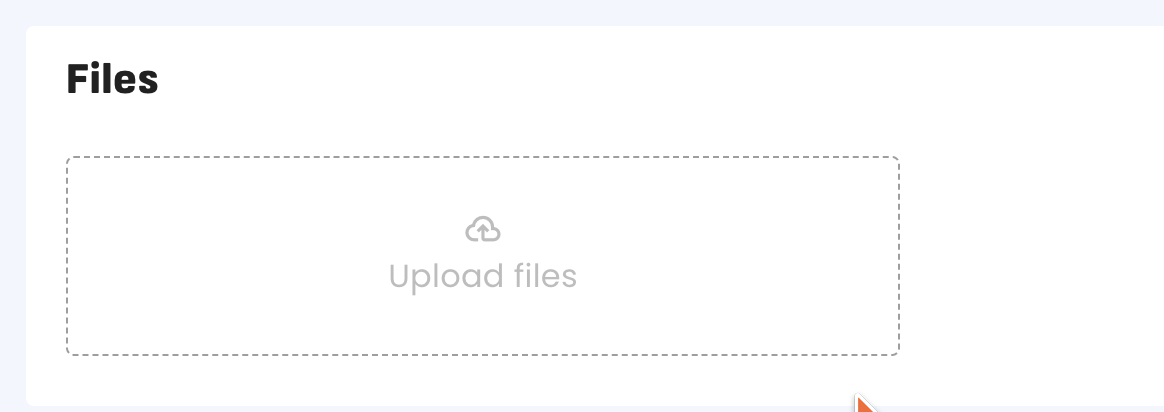
Warning: Adding a file to a purchase delivery will not send the file in the corresponding bill to vendor in QuickBooks.
For more information on how to sync your purchase orders between QuickBooks and Erplain you can check this article.
Was this article helpful?
That’s Great!
Thank you for your feedback
Sorry! We couldn't be helpful
Thank you for your feedback
Feedback sent
We appreciate your effort and will try to fix the article