Payments sync
Once an invoice as been synced to QuickBooks, any payment added in Erplain will be synced to QuickBooks, and the payment will be assigned to the mapped ledger account.
In addition, you can create payments from QuickBooks. They will reflect in Erplain (synced every thirty minutes).
⚠️To avoid inconsistencies, do not to use both platforms to make partial payments on the same invoice.⚠️
From Erplain, you will be able to follow up on your invoices based on their status: Paid, Unpaid, Partially paid.
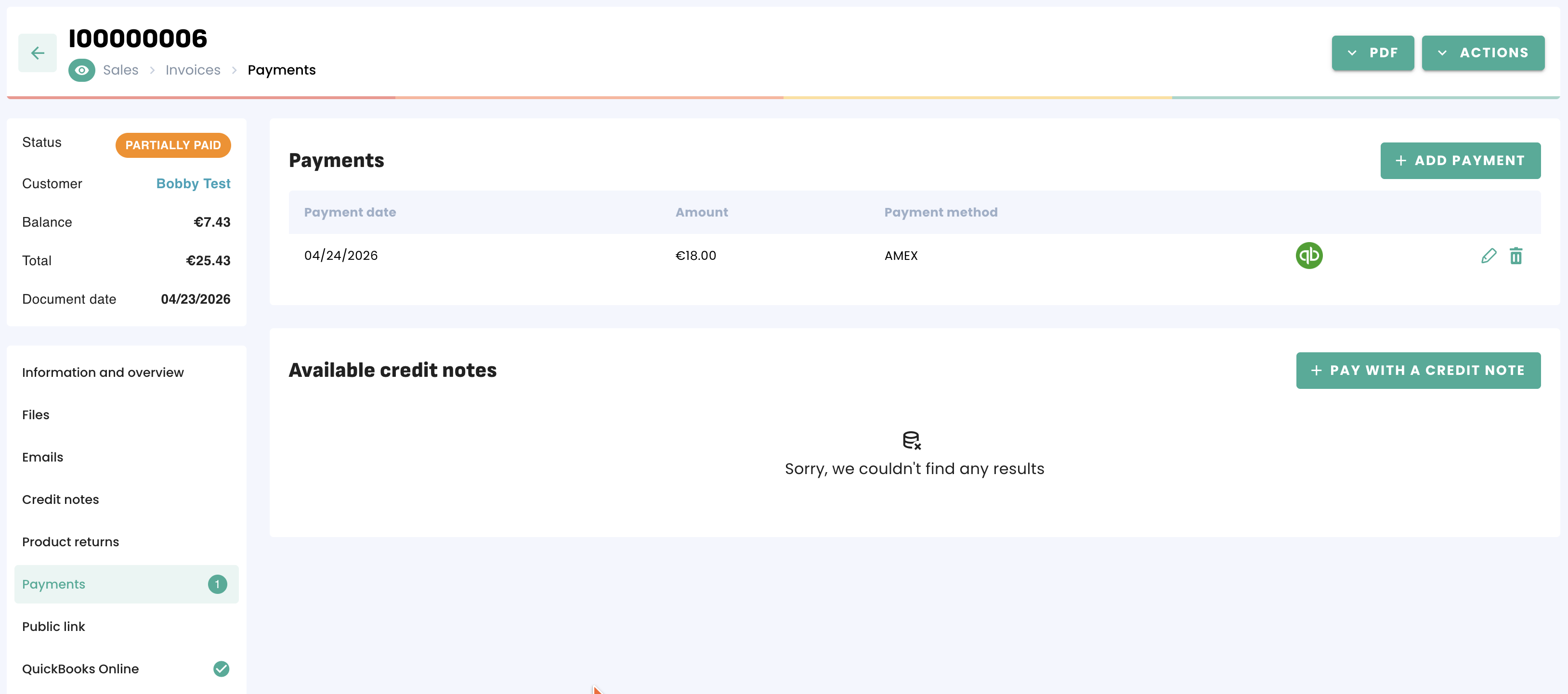
In addition, you can create payments from QuickBooks. They will reflect in Erplain (synced every thirty minutes).
⚠️To avoid inconsistencies, do not to use both platforms to make partial payments on the same invoice.⚠️
From Erplain, you will be able to follow up on your invoices based on their status: Paid, Unpaid, Partially paid.
Payment methods
To create your payment methods in Erplain, please find the instructions on this page: Payment methods.
Payment accounts mapping
Once you have created your payment methods in Erplain, you can map them with a QuickBooks payment account from the Payment methods section of the integration settings:
Payment accounts mapping
Once you have created your payment methods in Erplain, you can map them with a QuickBooks payment account from the Payment methods section of the integration settings:
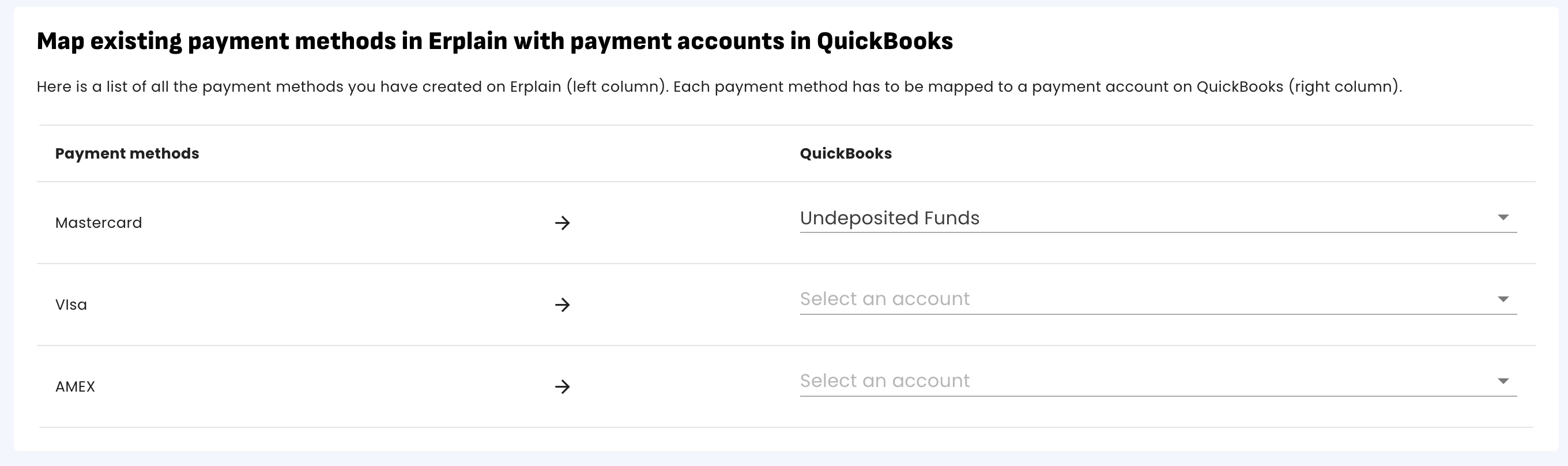
Payment methods mapping
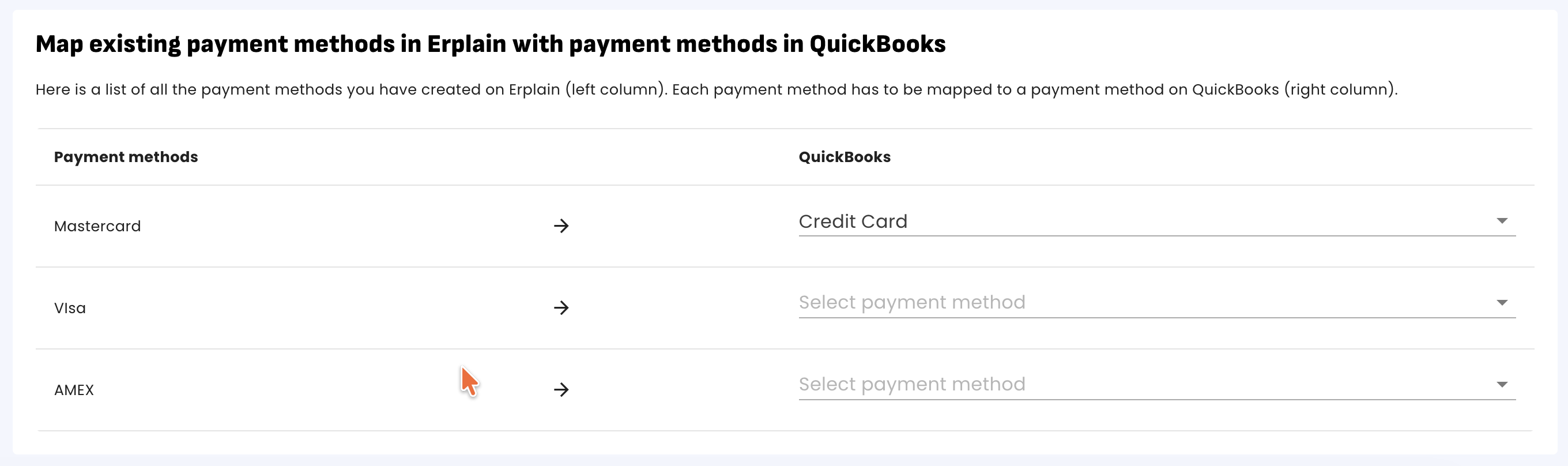
You can also map your Erplain payment methods with your QuickBooks payment methods.
Was this article helpful?
That’s Great!
Thank you for your feedback
Sorry! We couldn't be helpful
Thank you for your feedback
Feedback sent
We appreciate your effort and will try to fix the article