You can import or export your customers between QuickBooks and Erplain by going into the integration settings.
Open the Customers & Suppliers tab, then click the 'Start importing' button to import them, or 'Export unsynced products' if you already have your customer base in Erplain.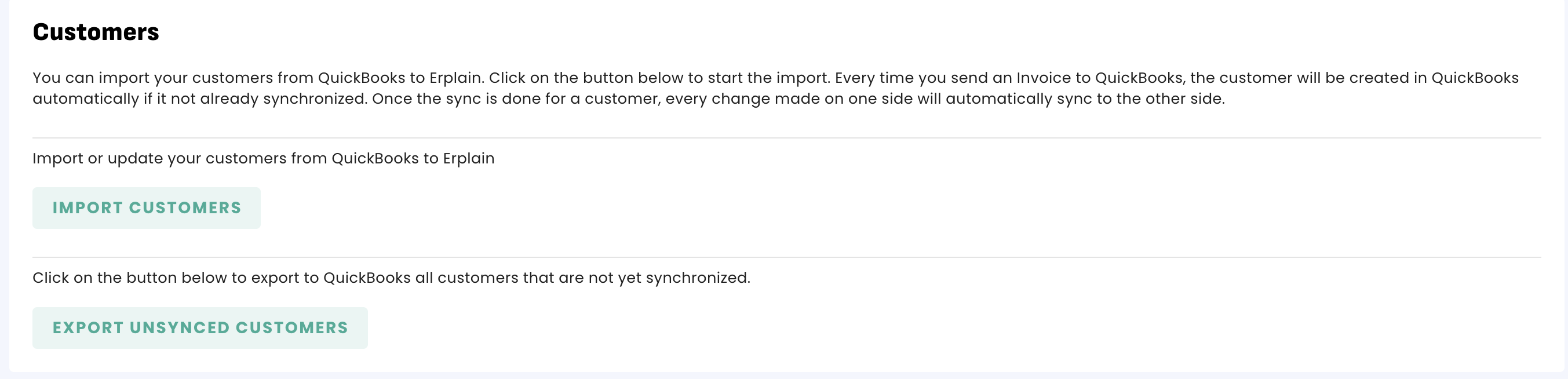
Once customers are imported, they will automatically sync the following information:
- Company name
- Address
- Notes
- email address
- Phone
- Website
Disabling a customer
If you disable a customer in Erplain, it will not be disabled in QuickBooks.
Creating a customer
Please note that the customers created from Erplain, will automatically be created on QuickBooks (if the customer is not already synced) when the customer invoice is sent to QuickBooks.
Was this article helpful?
That’s Great!
Thank you for your feedback
Sorry! We couldn't be helpful
Thank you for your feedback
Feedback sent
We appreciate your effort and will try to fix the article