We have partnered with Stripe to provide payment processing capabilities to our customers.
Connecting your Erplain account with Stripe
You can connect your Erplain account to your Stripe account from the Integrations menu.
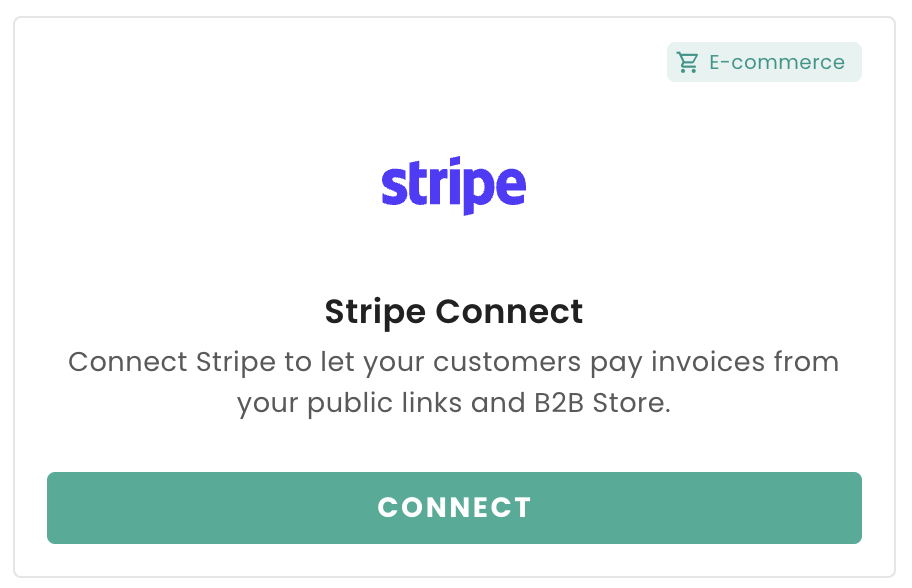
Once you click on Connect with stripe, you can create a new Stripe account or link an existing account.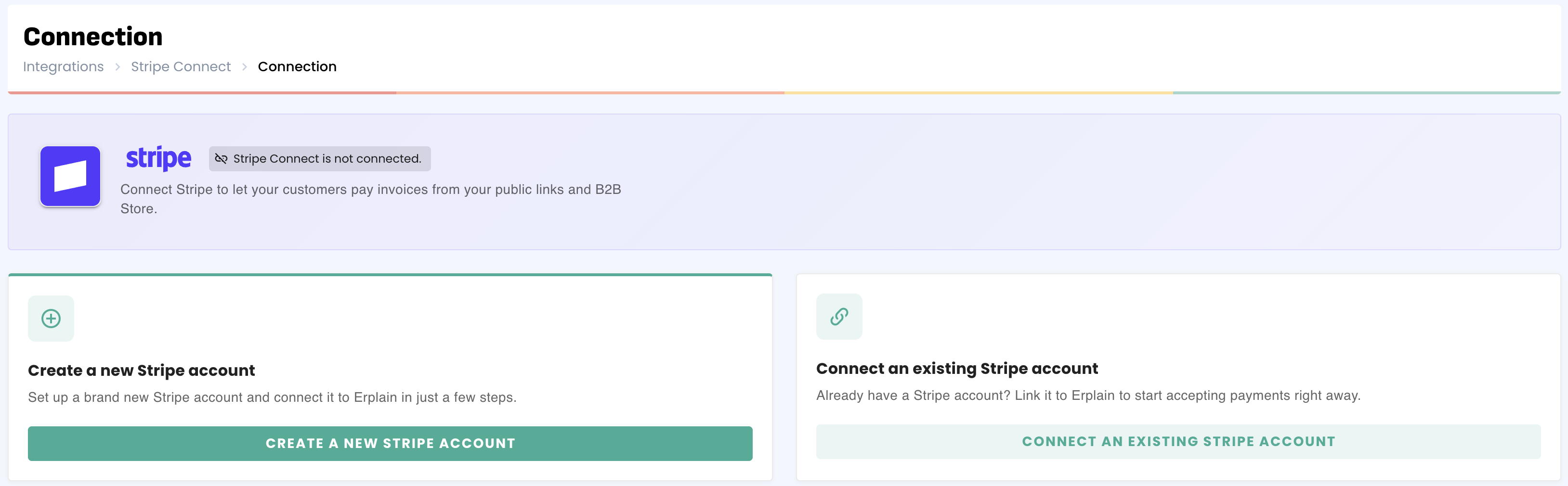
Invoice payment
Once you are connected with Stripe, your customers will be able to pay directly through their invoices in the B2B Store or via the public link you can send them.
Payment options will differ based on your Stripe account setup (Credit cards, SEPA transfers within Europe).
Pricing and fees
Stripe charges differently depending on the country, payment method and amount paid. For more information, we recommend you to check this page.
The integration fee charged by Erplain varies depending on your chosen Erplain plan. This amount is a percentage (on top of the Stripe fee) of the total amount of each transaction. You will find more information about our plans and service fee here.
Was this article helpful?
That’s Great!
Thank you for your feedback
Sorry! We couldn't be helpful
Thank you for your feedback
Feedback sent
We appreciate your effort and will try to fix the article