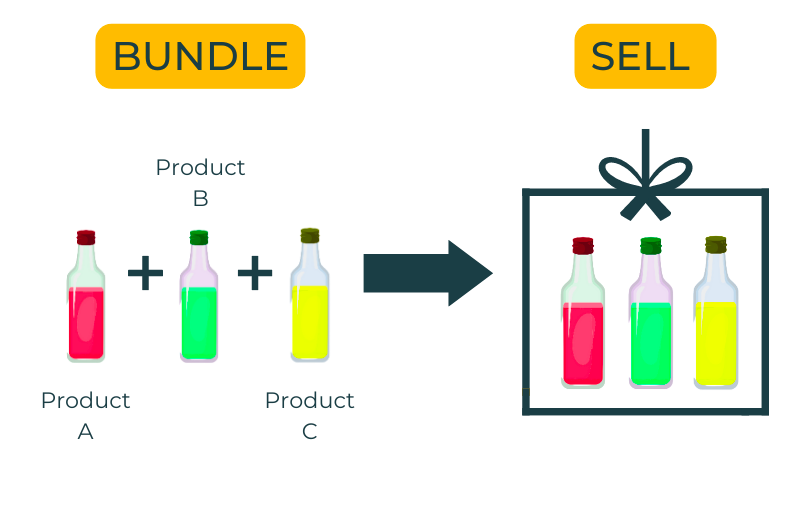
You can combine multiple products or components in a bundle. In Erplain, they are called kits. Just like creating a recipe, you can create a product that is made from other products.
Kits are a set of products grouped together.
The kit is a virtual product, its stock is a real time calculation based on the stock of its components. When you sell a Kit, you sell the stock of the components directly. The price of the kit is the sum of the price of its components, or you can define a set price for the kit (for each price level).
Where to start?
It is necessary to create each component in erplain. Components are separate products, each with their own stock, price, SKU, etc. For information, you can buy or sell the components individually.
IMPORTANT:
- Kits are not compatible with the use of stock entries, stock removals or stock movements.
- Kits cannot be used as components of other kits or assemblies.
Creating a kit
To create a kit, go to Products > + CREATE.
1. Select product type "Kit".
2. Add the kit information, SKU, name, etc.
3. Select the products and quantity that will become the components of your 'kit' product.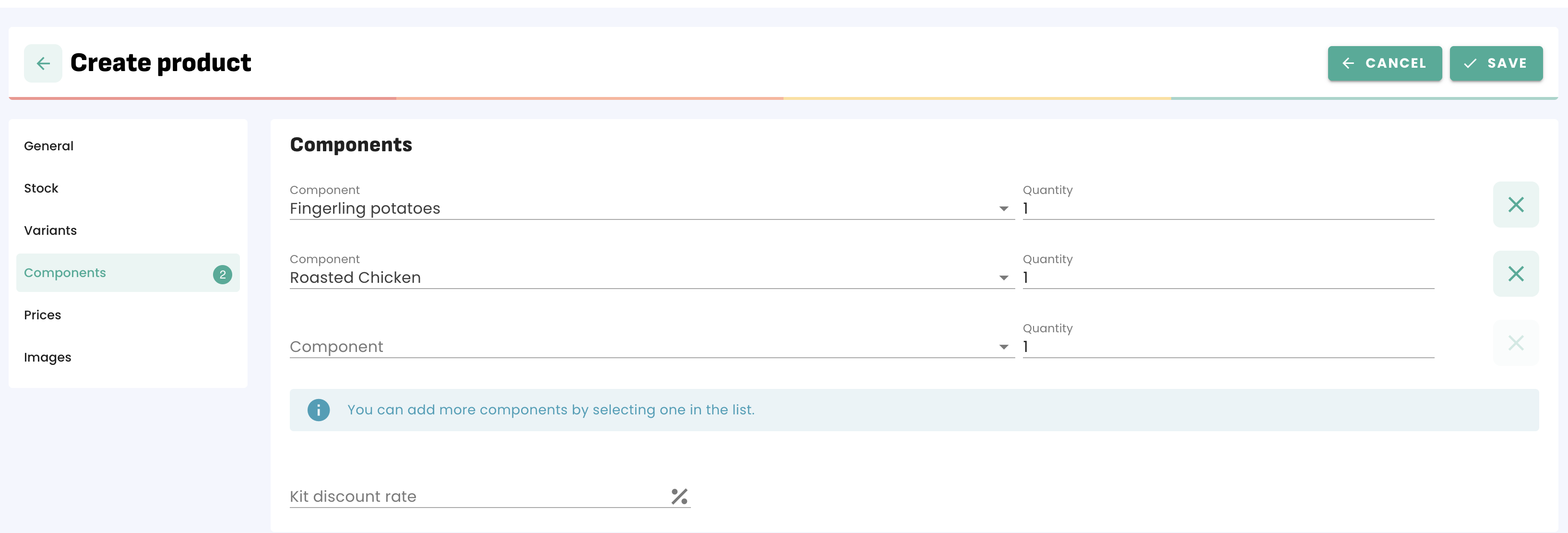
Pricing for kits
You have 2 options for the pricing of your kits:
1- If you don't enter any price information in the kit, the price of the kit will be the sum of the price of its components (corresponding price level).
You can also add a discount in the 'Kit discount rate' field. The discount applies on each component. If a kit with a discount of 20% and includes Product A with a price of $20 and Product B with a price of $40, the bundle price will be $48.
- Discount on product A: 20 x 0.8
- Discount on product B : 40 x 0.8
2- You can also define a set price for the kit (for each price level). In this case, the corresponding price will simply be used while creating a sale or a purchase.
IMPORTANT:
a) The discount will not be used if you define a price for the kit.
b) If you define a price for your kit, the prices and taxes of each component will be recalculated from the price of the kit. In some cases, the necessary rounding may cause small discrepancies between the kit tax amount and the sum of the component tax amounts
Stock level
Once the kit is created, you can view the component's inventory from the Stock level menu: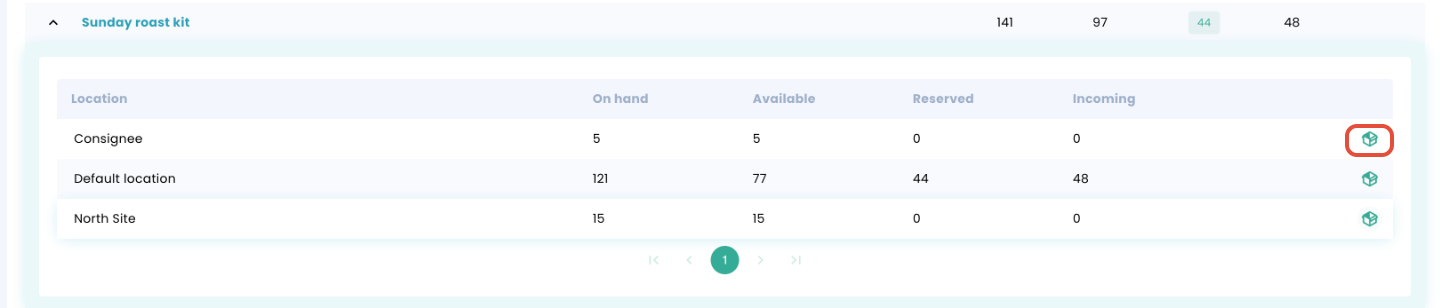
Showing the Kit components in the PDFs
If you want to show the components in the PDF documents, you can select this option in the PDF Templates (for every document type):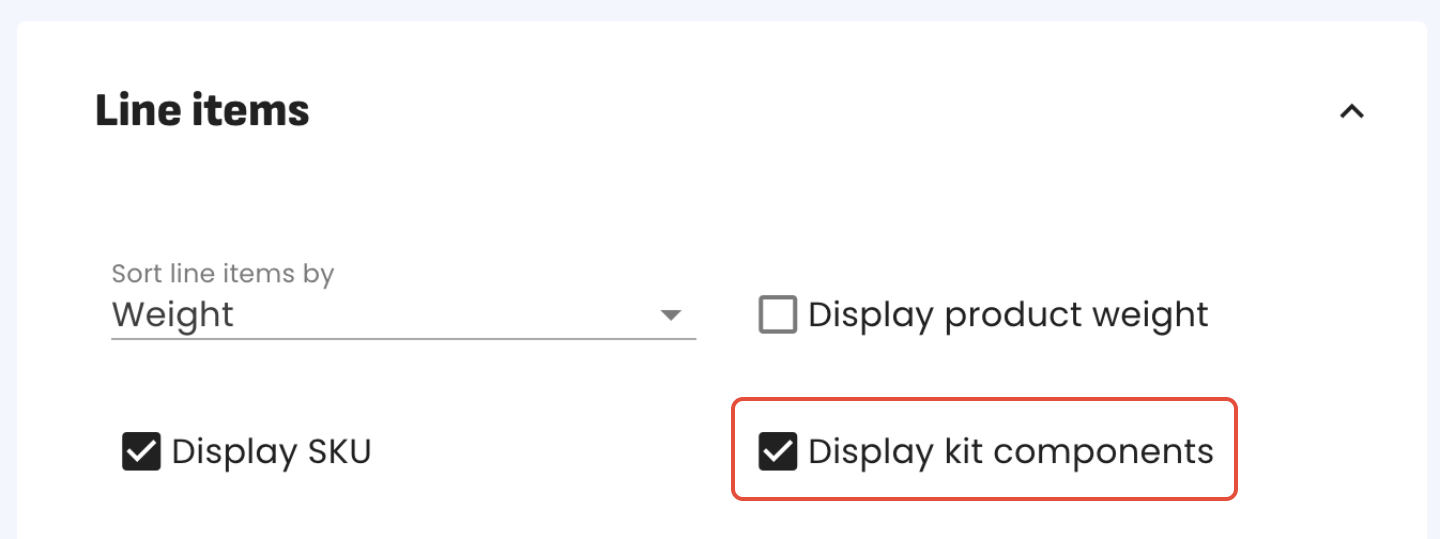
Additional information about kits
- Please note that kits are available in the Premium plan subscription only.
Was this article helpful?
That’s Great!
Thank you for your feedback
Sorry! We couldn't be helpful
Thank you for your feedback
Feedback sent
We appreciate your effort and will try to fix the article