Manual validation
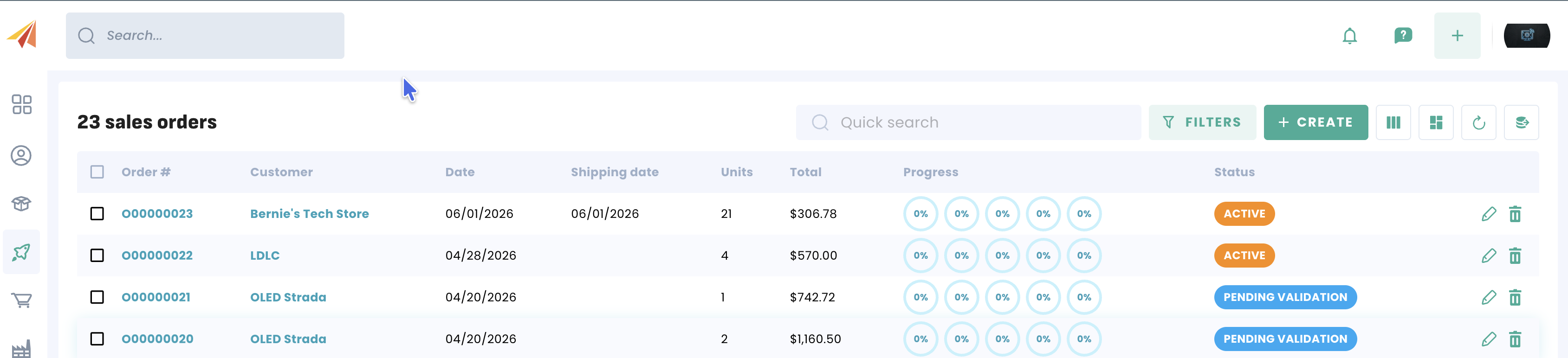
Once an order has been placed from the B2B Store, its status will show as "Pending validation":
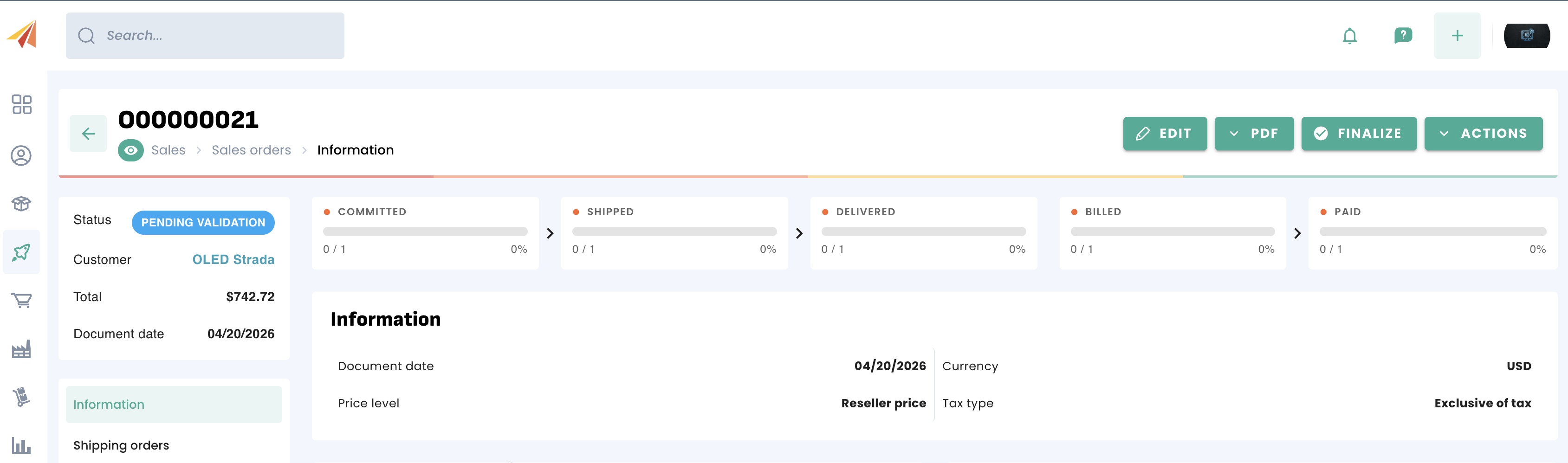
Before validating the order, you can edit it or add shipping costs for example. You can also send it back to the customer if needed. Once you are ready, click on "Finalize" to validate the order. Its status will then switch to "Active":
Automatic validation
If you prefer to automatically validate each order, you can enable this option in the B2B Store configuration.
B2B Store > Settings > Setup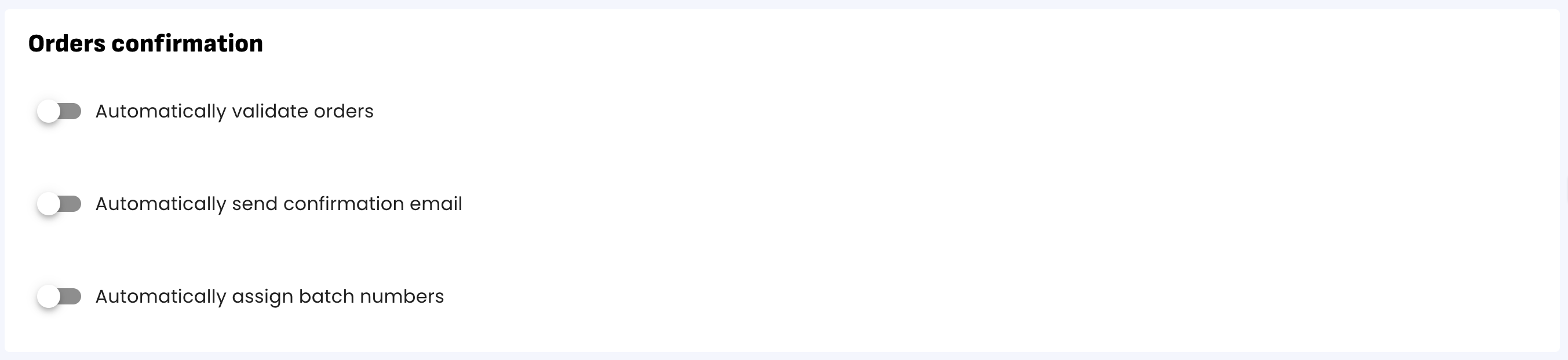
To find out more, please refer to this page.
Was this article helpful?
That’s Great!
Thank you for your feedback
Sorry! We couldn't be helpful
Thank you for your feedback
Feedback sent
We appreciate your effort and will try to fix the article