Reporting is the starting point to take control of your inventory, improve your sales and make better decisions for your business.
To access your Intelligence reports, go to the 'Reports' section:
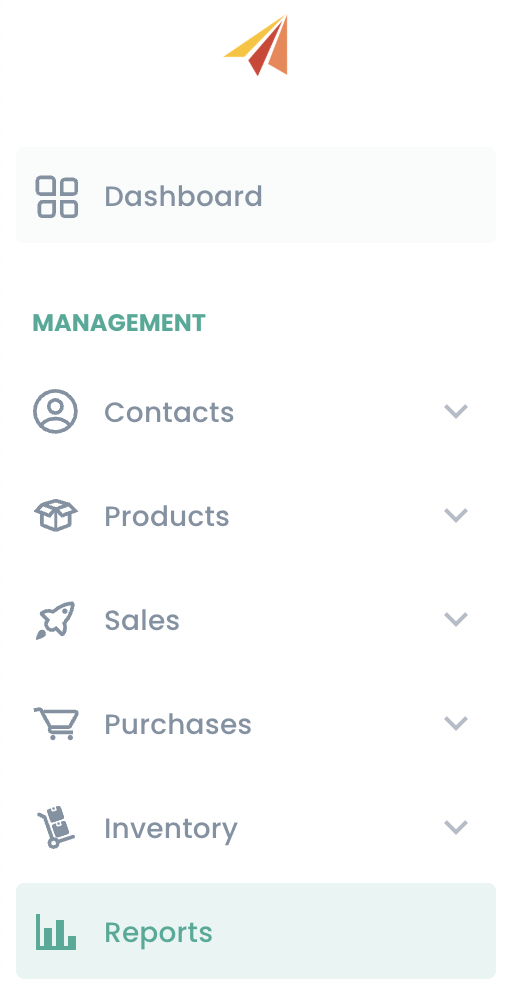
To help you access your key metrics, Erplain provide you with pre-built reports in the intelligence menu: sales reports, overdue invoices report, inventory valuation report and more.
Note: The reports are refreshed every 5 minutes.
You can customize your sales report to reflect the metrics that are important to you and that you want to access in one click. Simply choose the relevant columns you want in your report and apply any filter.
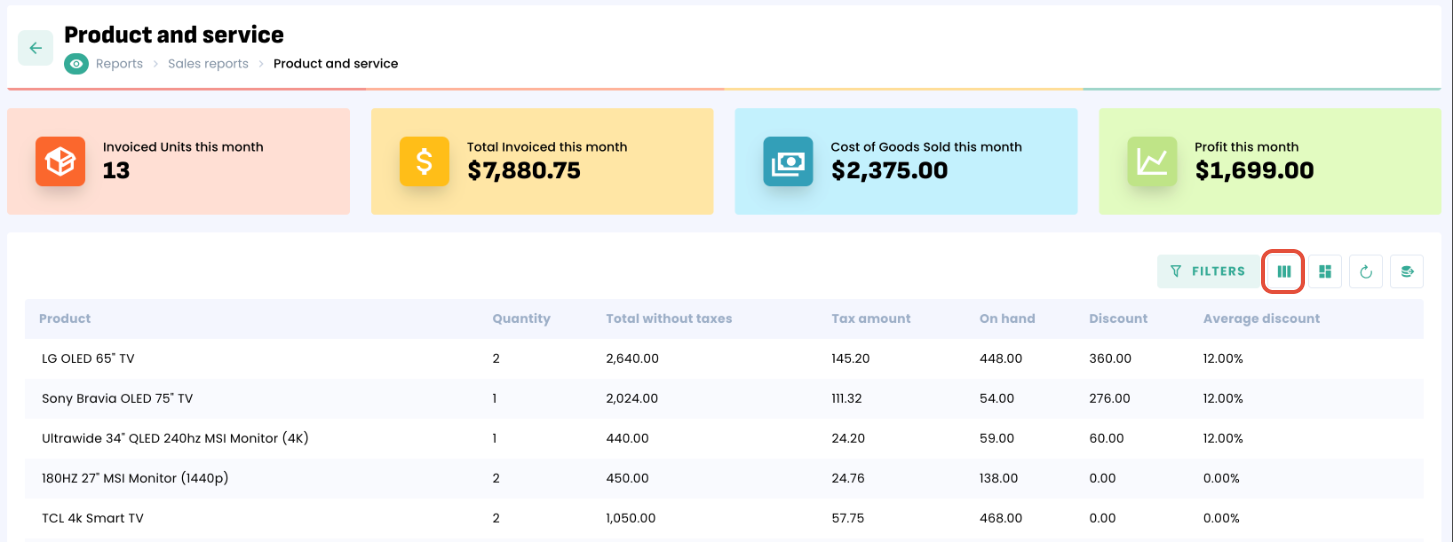
Notable differences between Dashboard and Sales Reports
Invoiced amounts can vary between the dashboard and sales reports. These differences can be explained by the inclusion or exclusion of certain information and the use of filters.
Invoiced amounts in the dashboard | Sales reports | |
| Canceled invoices* | Included | Excluded |
| Drafts* | Excluded | Excluded |
| Deposit invoices* | Included | Excluded |
| Amounts including/excluding taxes | Tax inclusive | Tax inclusive or exclusive (based on filters) NB: Totals "invoiced amounts" are tax exclusive |
| Credit notes / Refunds | Excluded | Excluded |
| Shipping costs | Included | Included or excluded (based on filters) NB: Totals "invoiced amounts" are exclusive of shipping costs. |
| Deleted items | Included | Included or ou excluded (bases on filters) |
* These invoices appear in the invoice export (Sales menu > Invoices > export).
Was this article helpful?
That’s Great!
Thank you for your feedback
Sorry! We couldn't be helpful
Thank you for your feedback
Feedback sent
We appreciate your effort and will try to fix the article