If you have Account representatives selling your products, you can get detailed reports on their sales. To keep track of their activity, create the Account representatives, then select their name in your sales documents (estimates, sales orders and invoices).
Create Account representatives
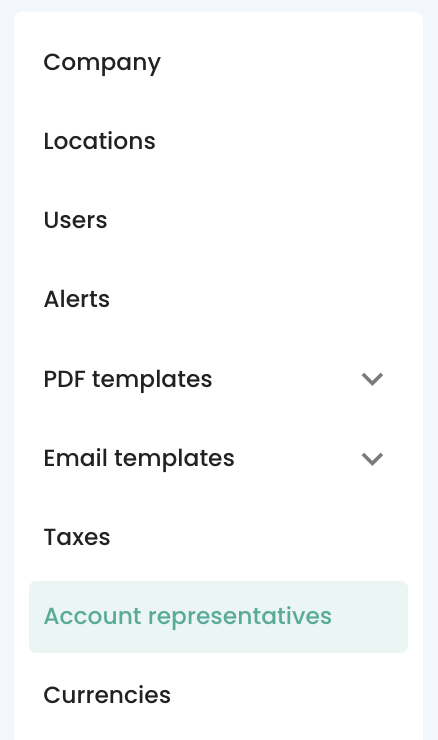
- Go to the Menu 'Settings' > 'Account representatives':
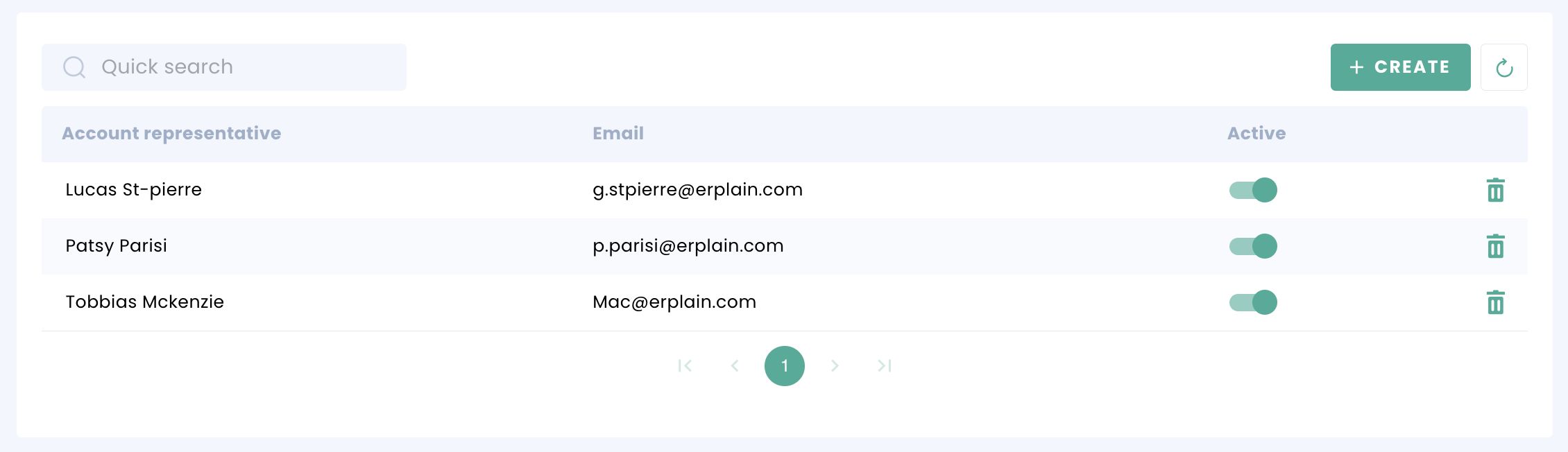
You can Edit them by clicking on their Names. You can disable or enable them by clicking on the toggle.
To create an Account representatives, click on the 'CREATE' button:
Add the contact info, and Save:

Sales Reports
To access your Sales reports and filter by Account representative, you can take a look at the sales reports. You can find more information on the Intelligence reports in the reports section.
User access
Creating Account representatives doesn't give them access to Erplain. If you want to add users to Erplain, including dedicated permissions for Account representatives, please refer to this article: User and Permissions.
Customise your account representative's access to Erplain
If you're familiar with the previous version of Erplain, here are the permissions you need to turn on to best replicate the access account representatives had before.
Products: "View" only
Product tags: "View" only
Seasons: "View" Only
Marque: "View" Only
Customers: "View", "Create" and "Update"
Customer tags: "View" only
Employees: "View" only
Sales: "View", "Create" and "Update" on every sales document
Inventory:
Locations: "View" only
Settings
Price levels: "View" only
Also turn on "Restrictive permissions" if you want to ensure that they only have access to customers and documents that are their own.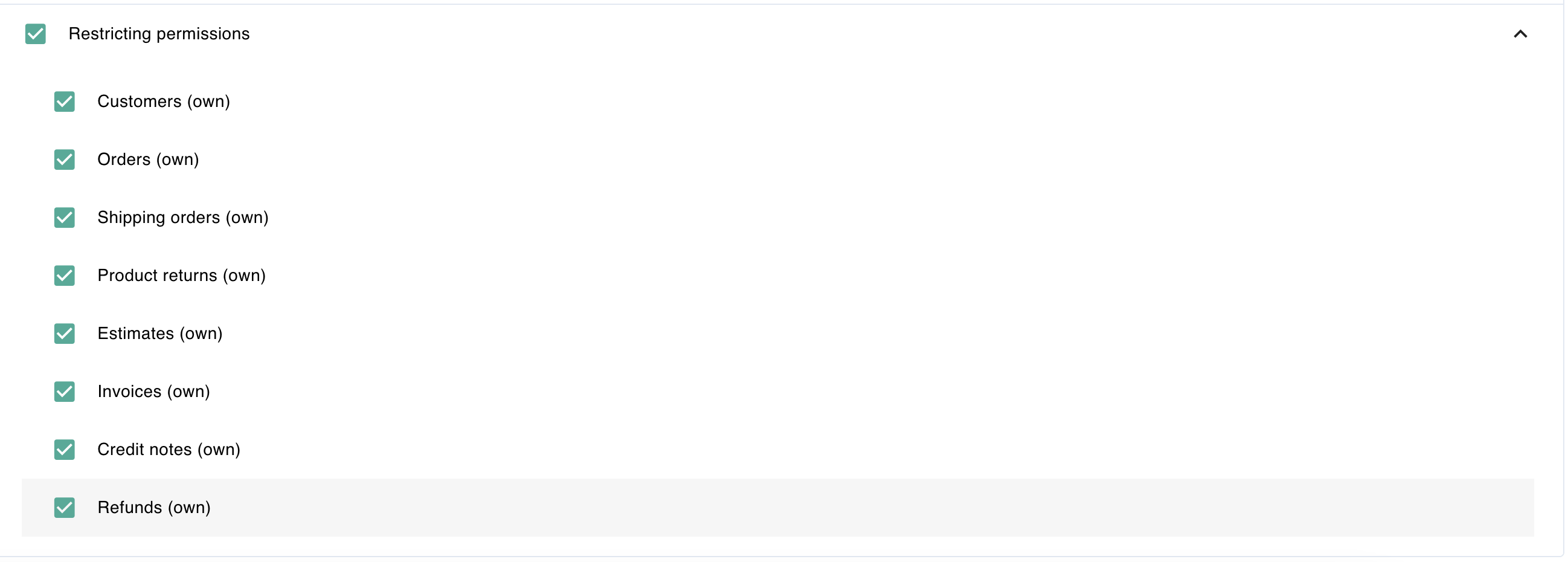
Was this article helpful?
That’s Great!
Thank you for your feedback
Sorry! We couldn't be helpful
Thank you for your feedback
Feedback sent
We appreciate your effort and will try to fix the article