Payments and Invoices reports will give you detailed information on the payments from your customers and the invoices status:
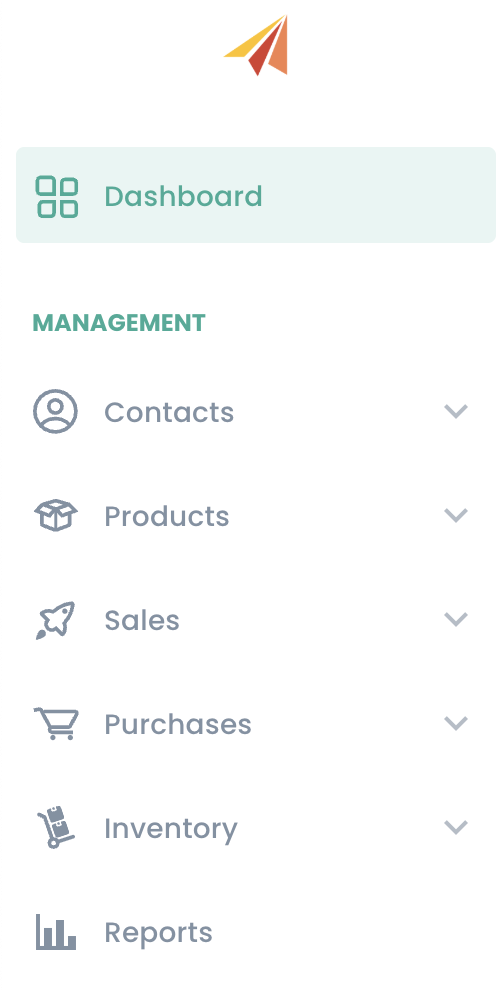
To access these reports, go to 'Reports':
And click on the report you are interested in:
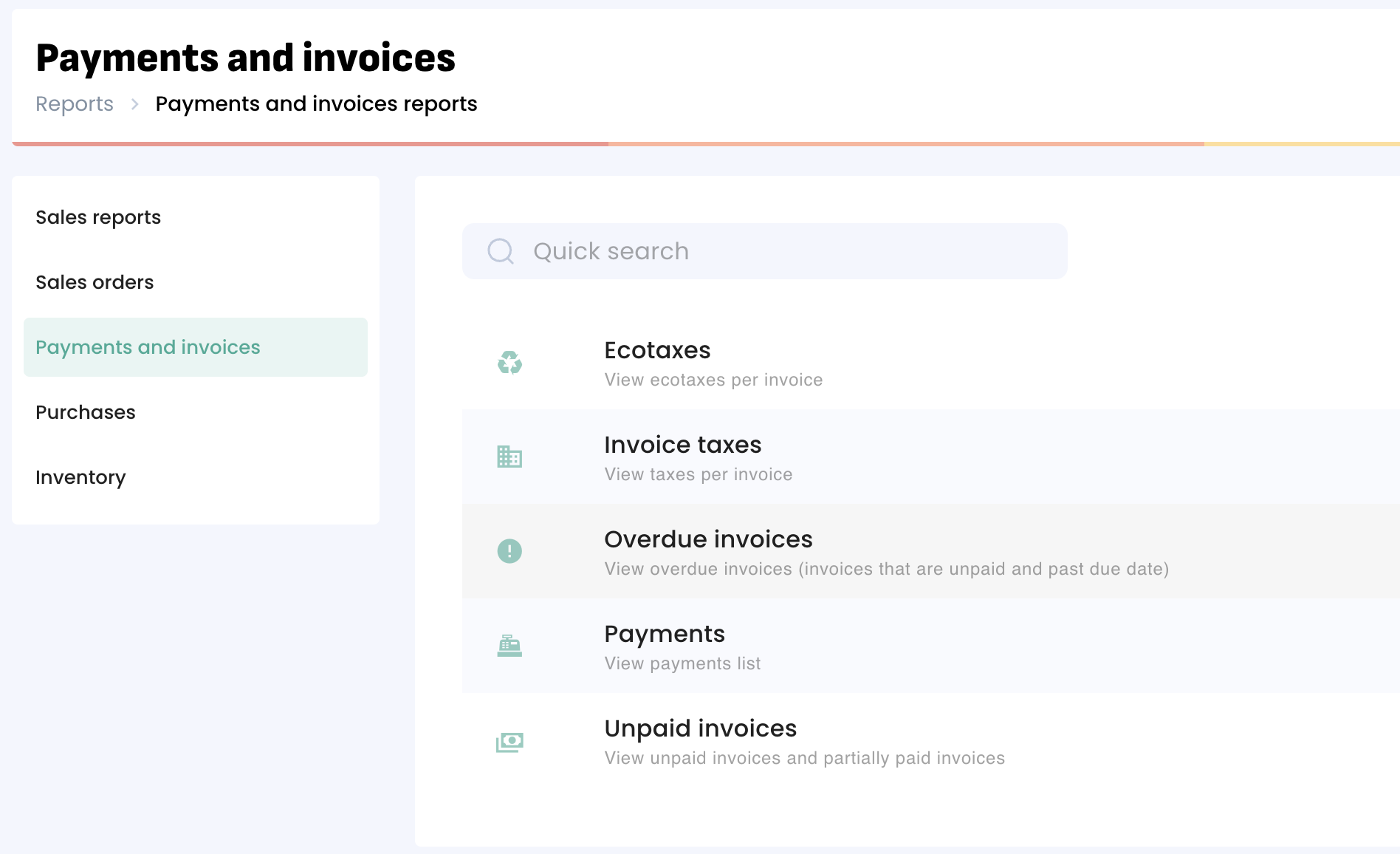
Payments: List of the payments from your customers.
Overdue Invoices: List of all invoices with an open balance that are past their due date (includes 'Unpaid' and 'Partially Paid' invoices).
Unpaid Invoices: List of all invoices with an open balance (includes 'Unpaid' and 'Partially Paid' invoices).
Was this article helpful?
That’s Great!
Thank you for your feedback
Sorry! We couldn't be helpful
Thank you for your feedback
Feedback sent
We appreciate your effort and will try to fix the article