With the Inventory mode, your team members can manage your inventory on the go. Stock adjustments can be created directly from Erplain GO in order to reflect the activities on a daily basis.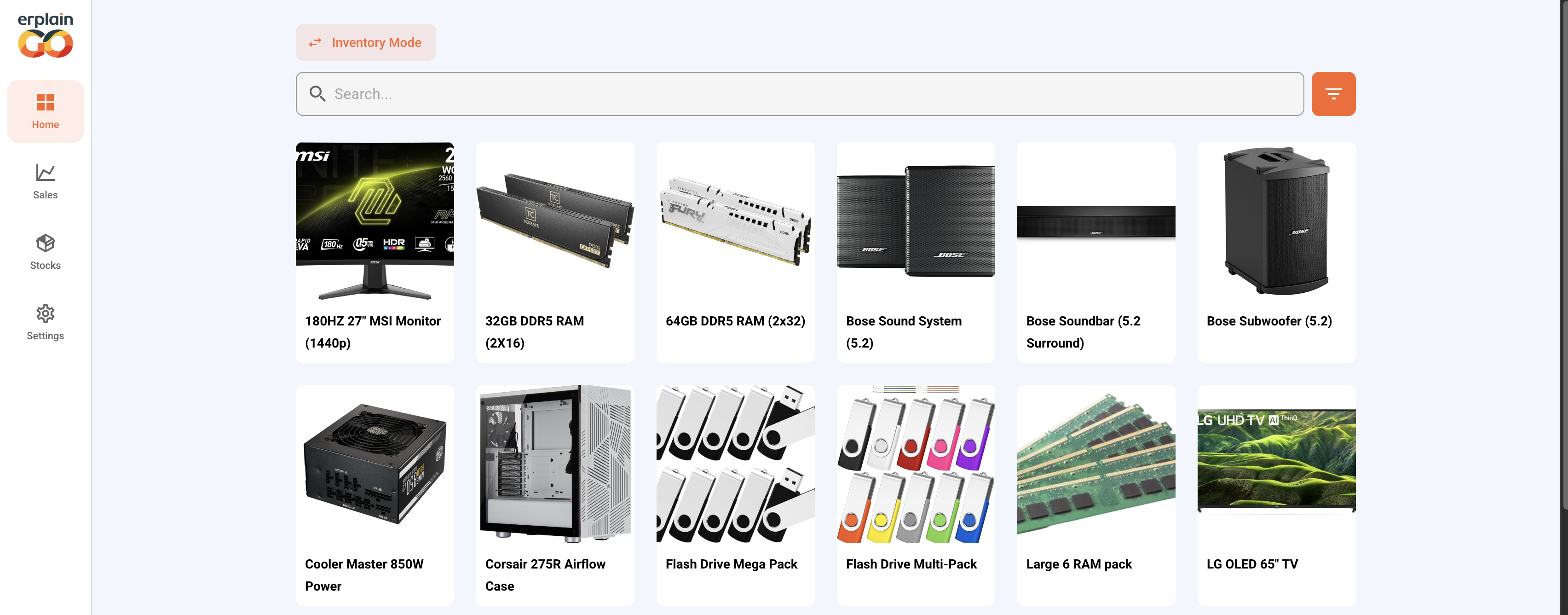
If some team members are using parts of your inventory for tasks, they can create adjustments in Erplain GO to keep your stock levels up to date in Erplain.
They can select a product and decide how many units will be used.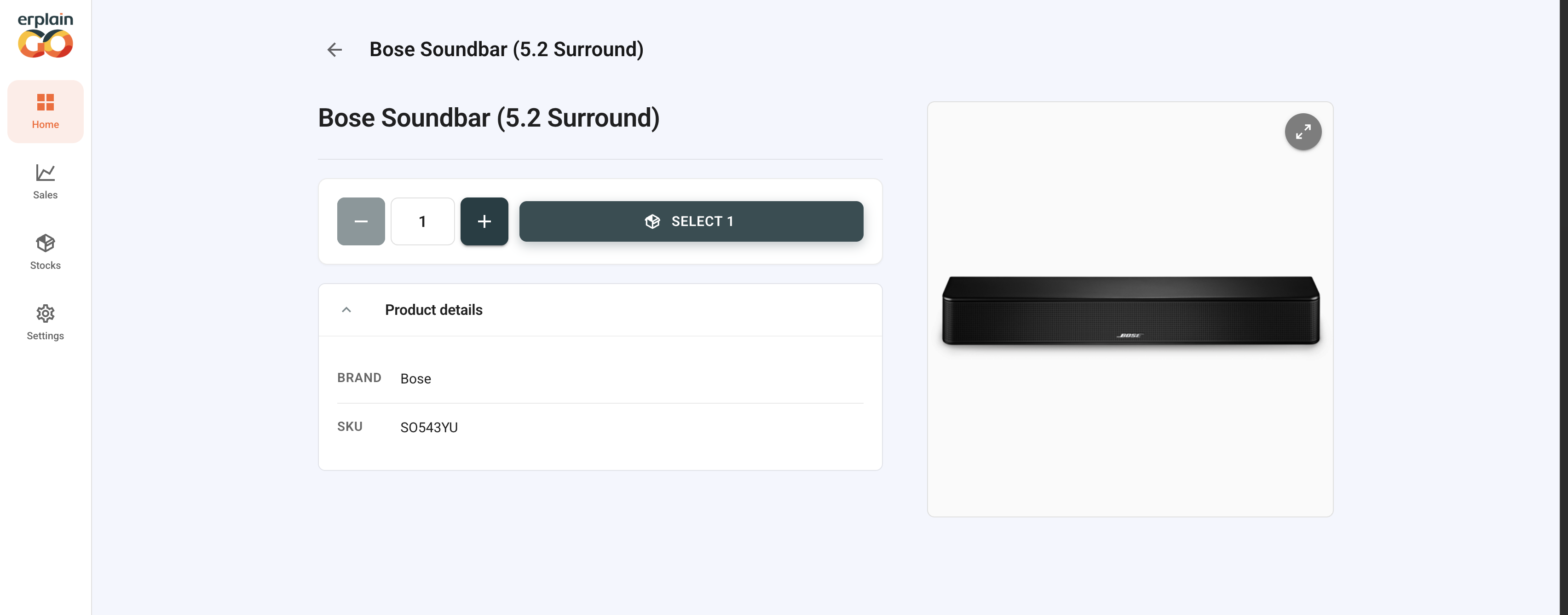
Once the units are selected, the user can choose to proceed with a stock adjustment or a stock transfer to another location, by choosing a second location that will receive the product.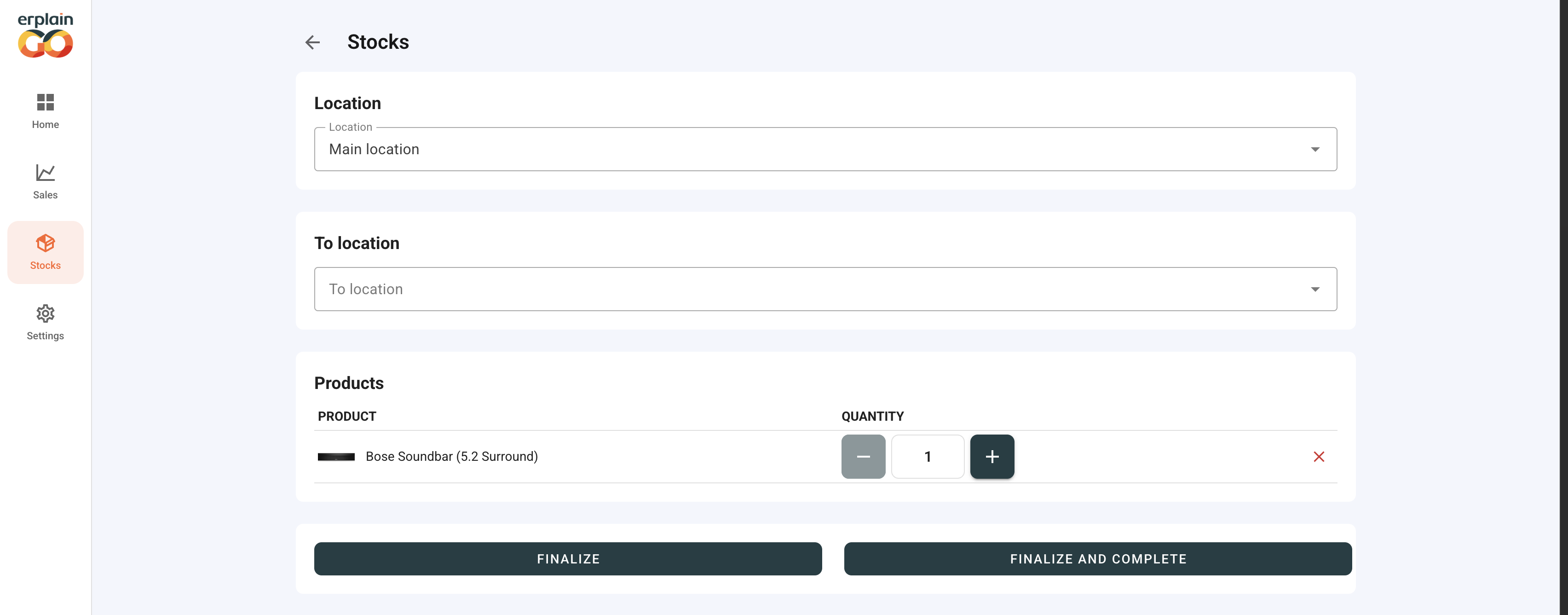
If no second location is added, the user will then have the option to create either a stock entry or a stock removal.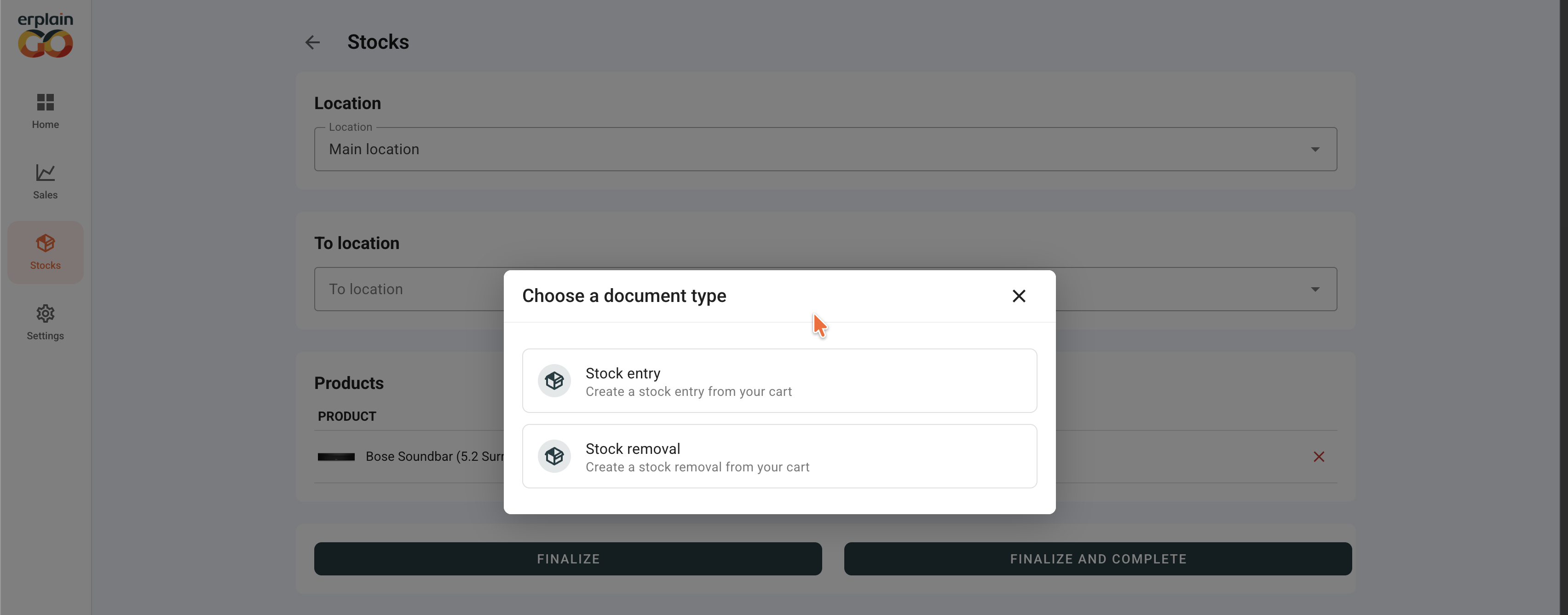
After creating the stock entry or removal, there is a summary of the adjustment as well as the option to complete it straight away. The stock adjustment is automatically created in Erplain at the same time.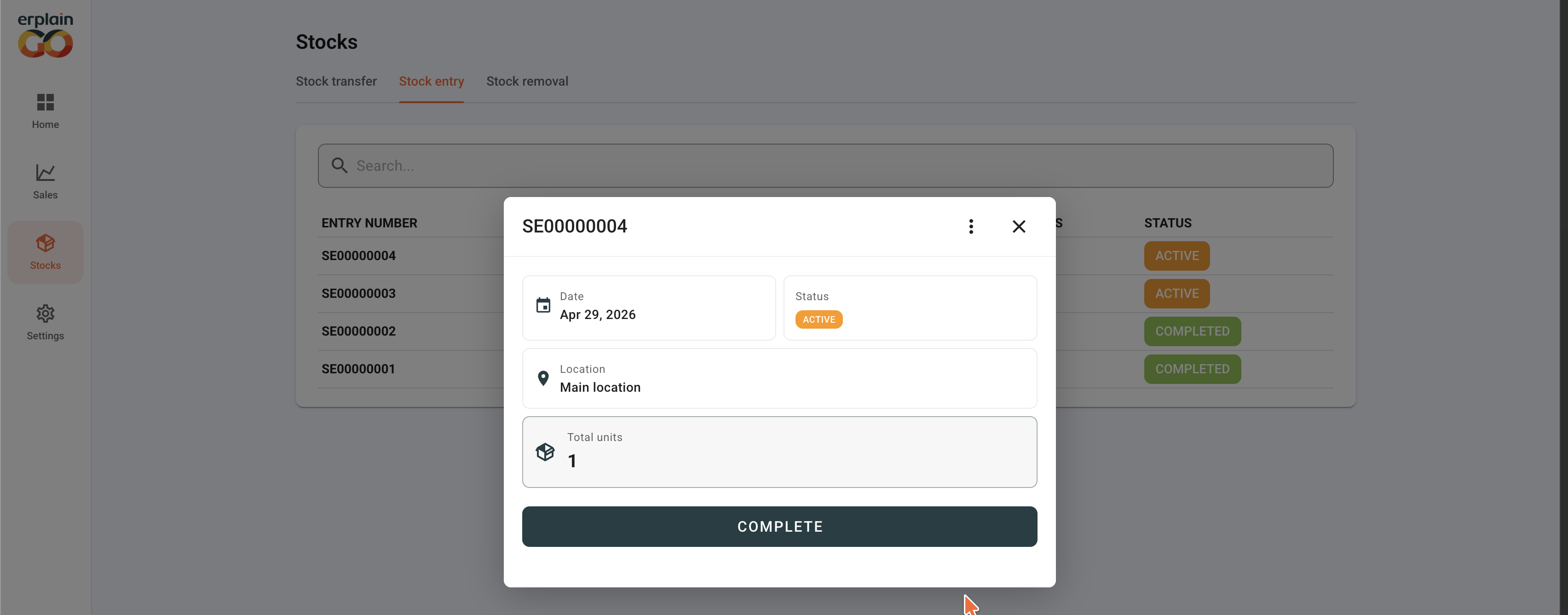
Was this article helpful?
That’s Great!
Thank you for your feedback
Sorry! We couldn't be helpful
Thank you for your feedback
Feedback sent
We appreciate your effort and will try to fix the article