This article offers a two-step guide if your stock differs between Erplain and Shopify. You can find more details and instructions regarding the synchronization of products with Shopify on this page.
1- Start a synchronization of your inventory between the two systems. This is done in the Integrations menu > Shopify > Inventory:

2- After the synchronization, if you still notice a stock gap between Erplain and Shopify. In this case, please, choose a specific product to set as an example in order to prepare your help ticket and send us the following:
- the exact name of the product and its SKU.
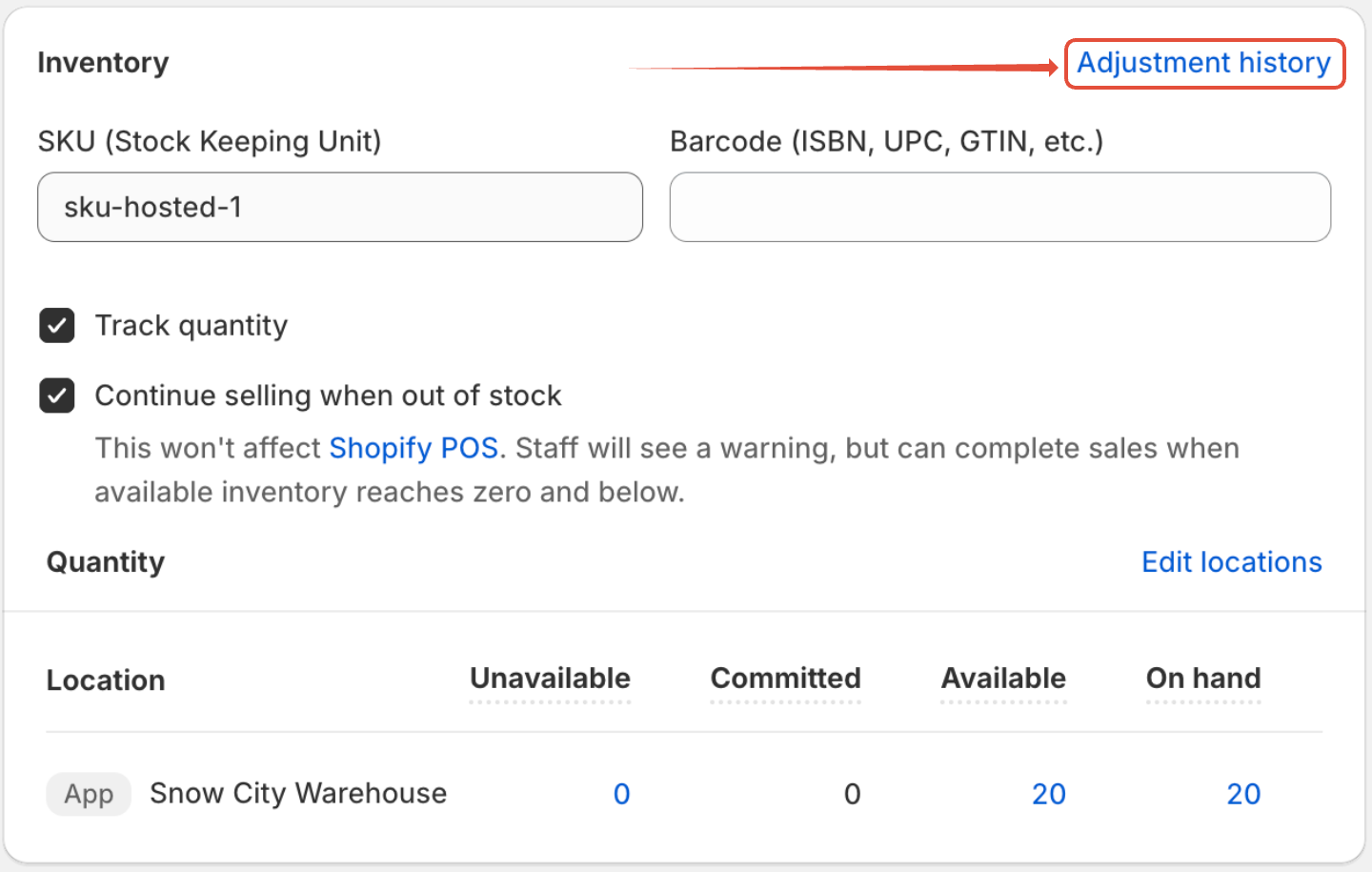
- a screenshot of its adjustment history from Shopify (which can be found in the product sheet of Shopify by clicking on the link "Adjustment history"):
Was this article helpful?
That’s Great!
Thank you for your feedback
Sorry! We couldn't be helpful
Thank you for your feedback
Feedback sent
We appreciate your effort and will try to fix the article
