Subscriptions are recurring Invoices for services and products generated automatically by Erplain.
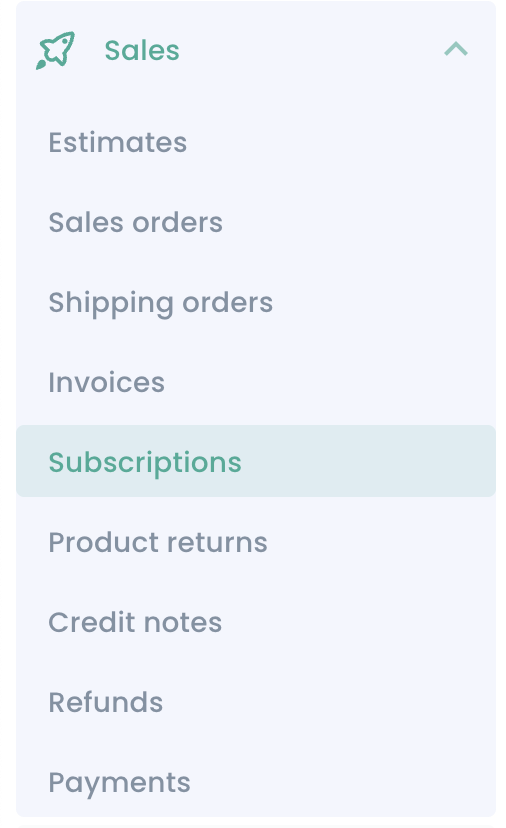
You can list and create subscriptions by going to 'Sales' > 'Subscriptions':
To create a new subscription, click on 'Create subscription':
You can select if that subscription is for one or multiple customers.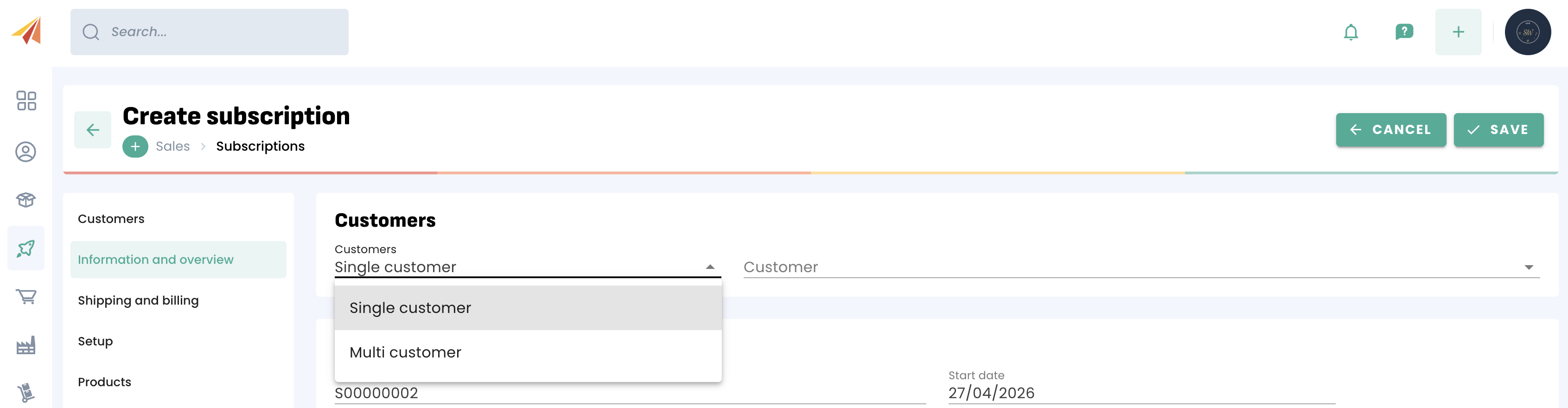
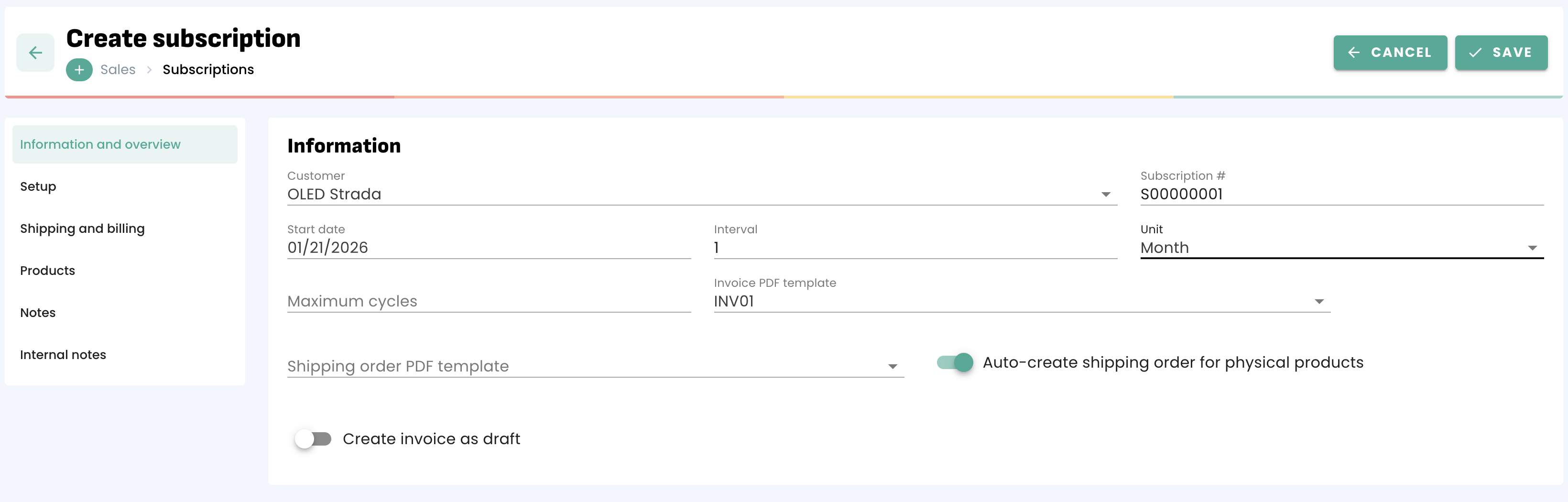
From there, you can fill the form with the customer, the interval, the unit for the interval (day/week/month/year) as well as the maximum number of cycles.
For example, a yearly subscription billed monthly would be 12 cycles of a 1 (interval) month (unit) cycle.
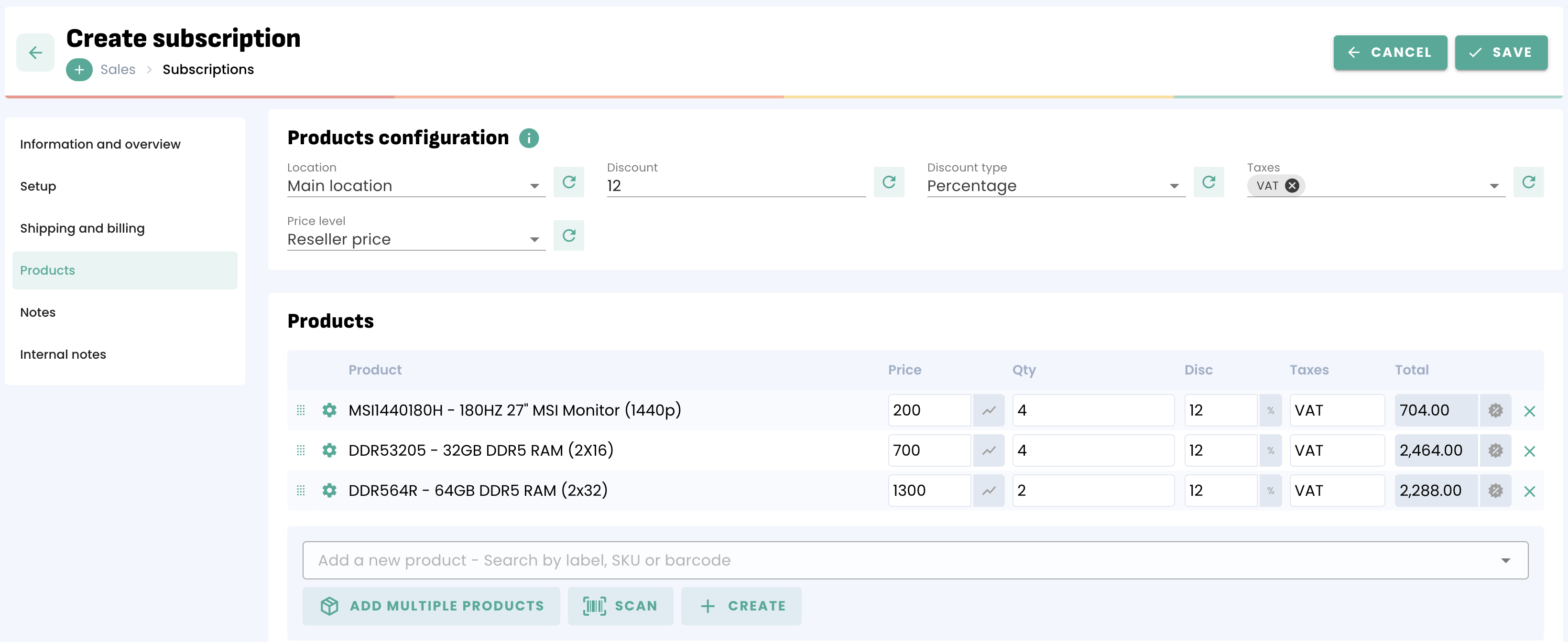
Select the products and services you want to include in the subscription. You an also turn on the option to automatically create shipping orders for the physical products in the subscription.
You can then add Notes for your customers or add Internal notes for you and your team.
Once you created this subscription, a new Invoice will be generated automatically at the chosen frequency.
If you want to add a customer to an existing subscription, you can. You can also decide whether they are billed at the next run or immediately for the remainder of this run.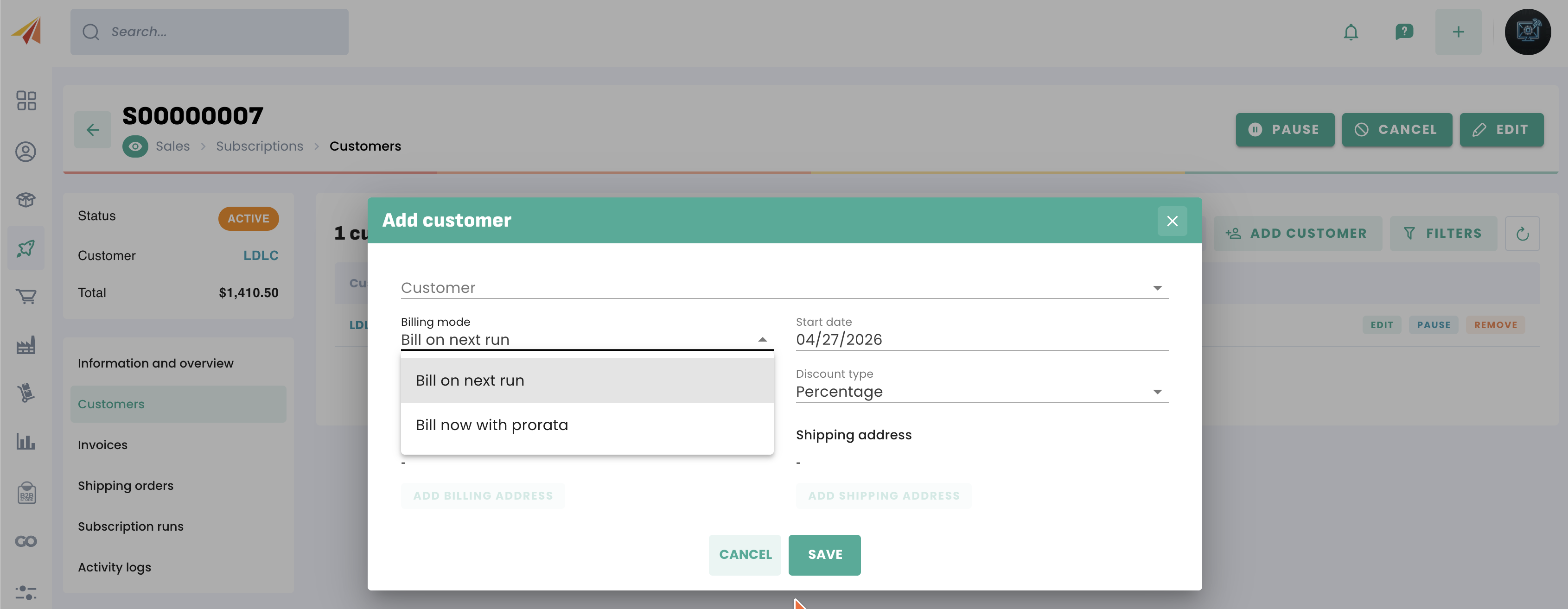
Was this article helpful?
That’s Great!
Thank you for your feedback
Sorry! We couldn't be helpful
Thank you for your feedback
Feedback sent
We appreciate your effort and will try to fix the article