With the Sales mode, Erplain GO users can place orders and create customer profiles. It allows your sales representatives to work in close collaboration with your customers to boost your sales.
Once logged into Erplain GO, the Sales mode can be selected on the top left corner of the screen.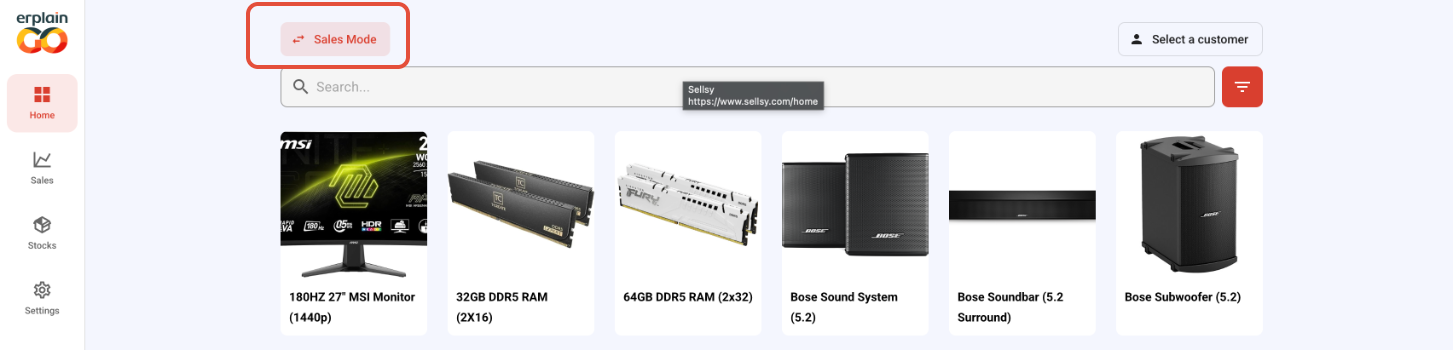
Once in the sales mode, you can either select an existing customer or create a new one from scratch. To create a new customer, go into the sales section, click on customers and then the + symbol: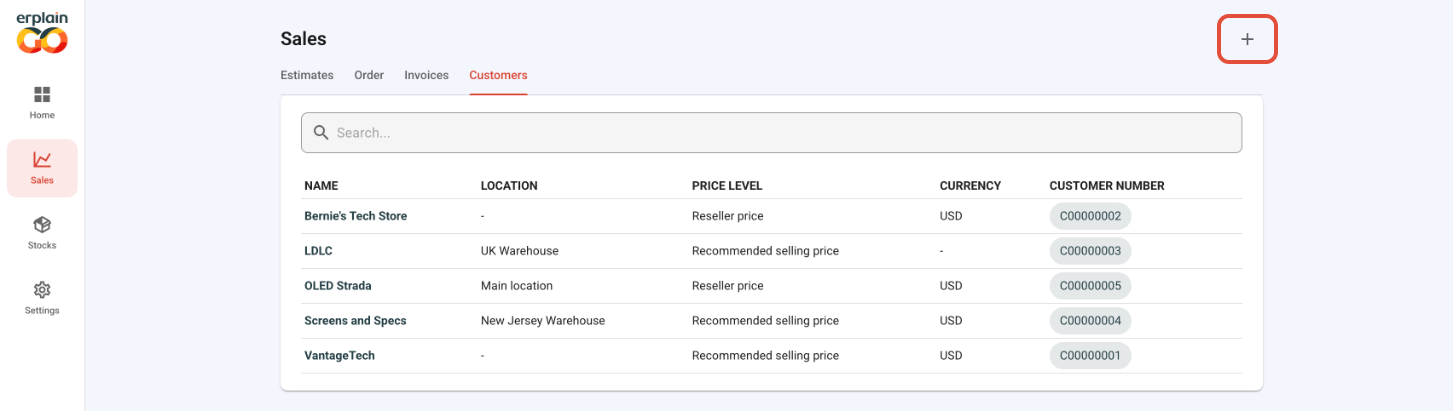
You can then fill the form in order to create the new customer.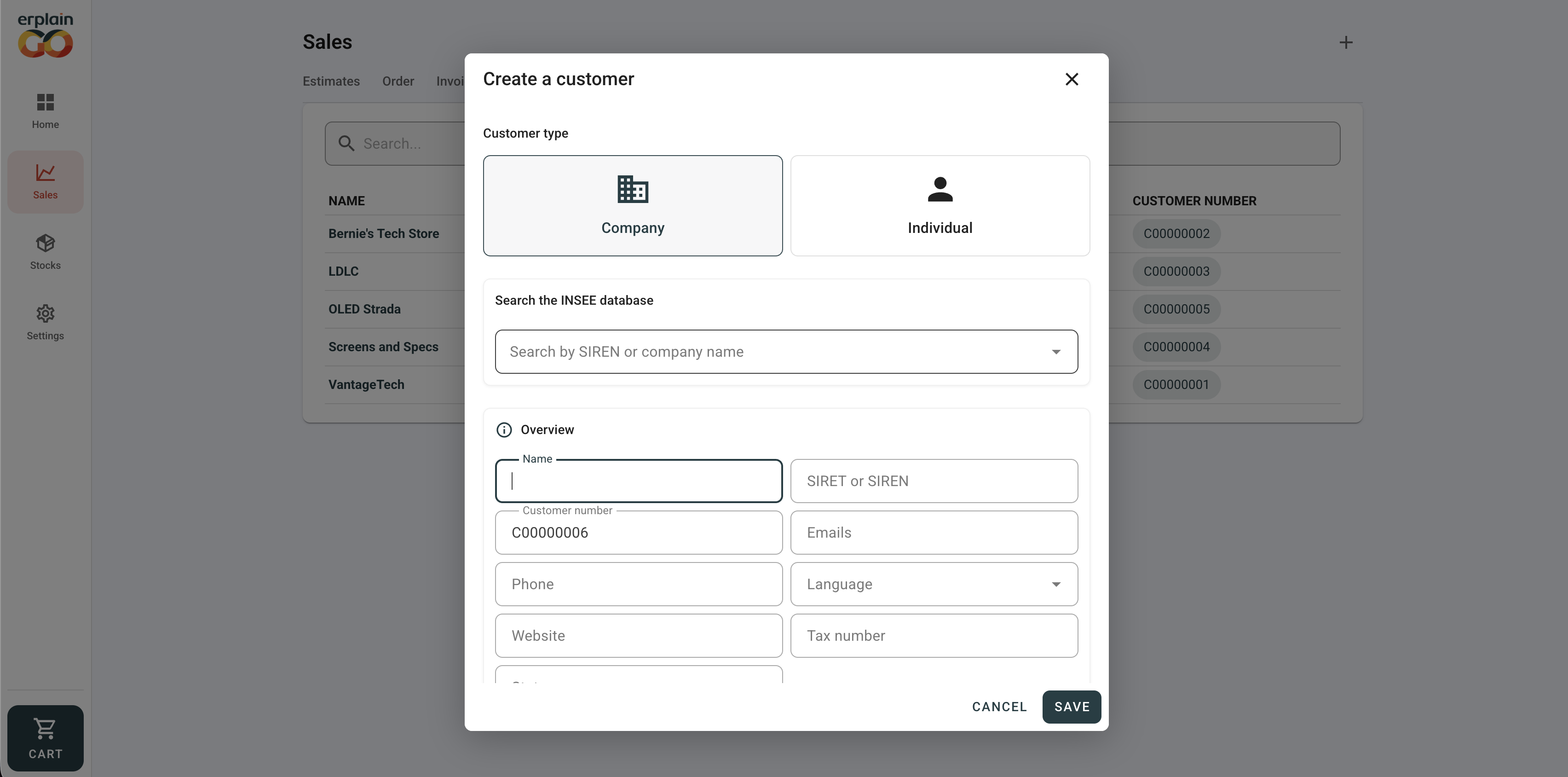
If you wish to place an order for an existing customer, you can select it directly in the top right corner of the main menu.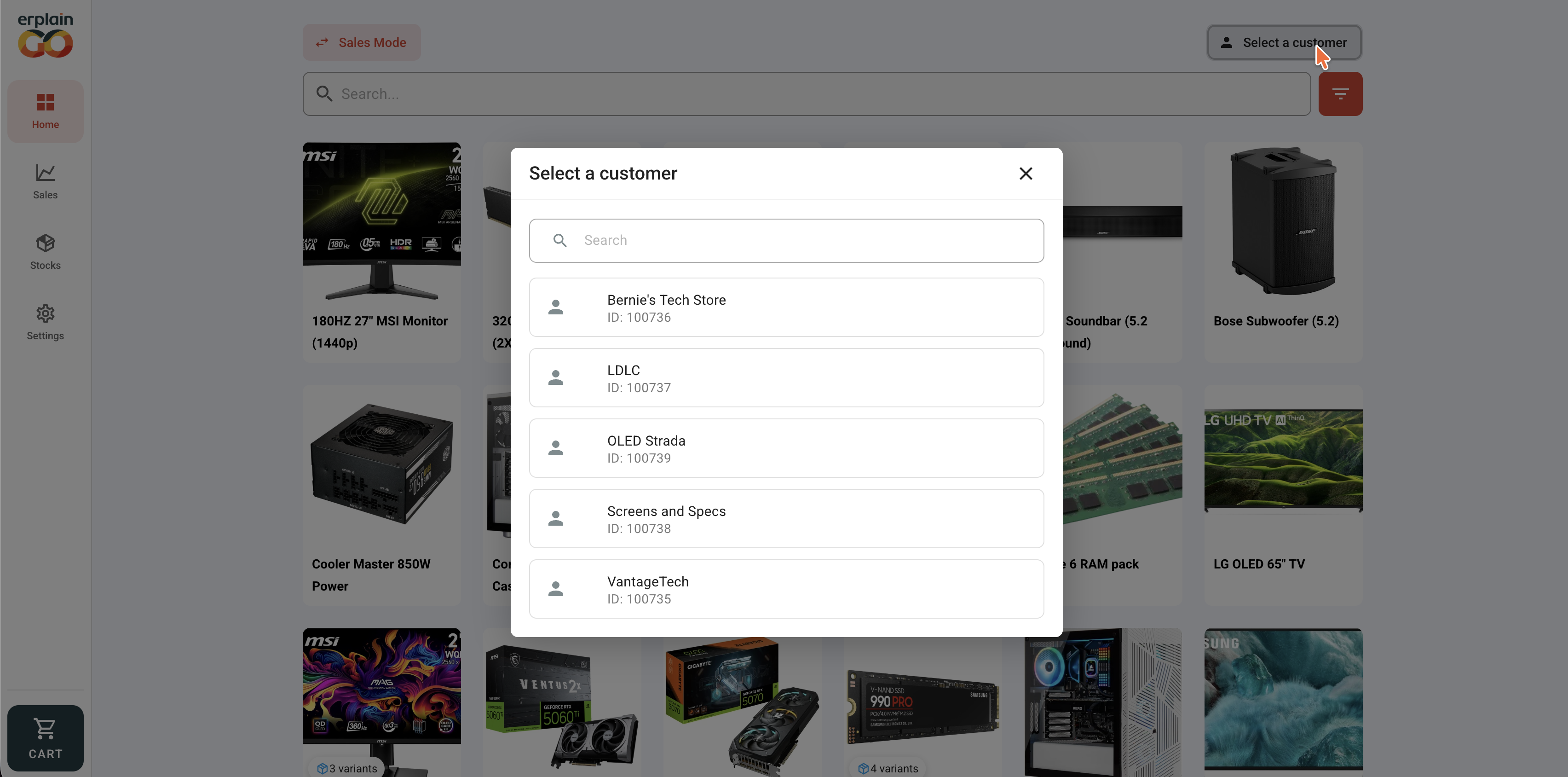
Once the customer is selected, you can see that the relevant prices have been added to your products. You can select those products to add them to your cart.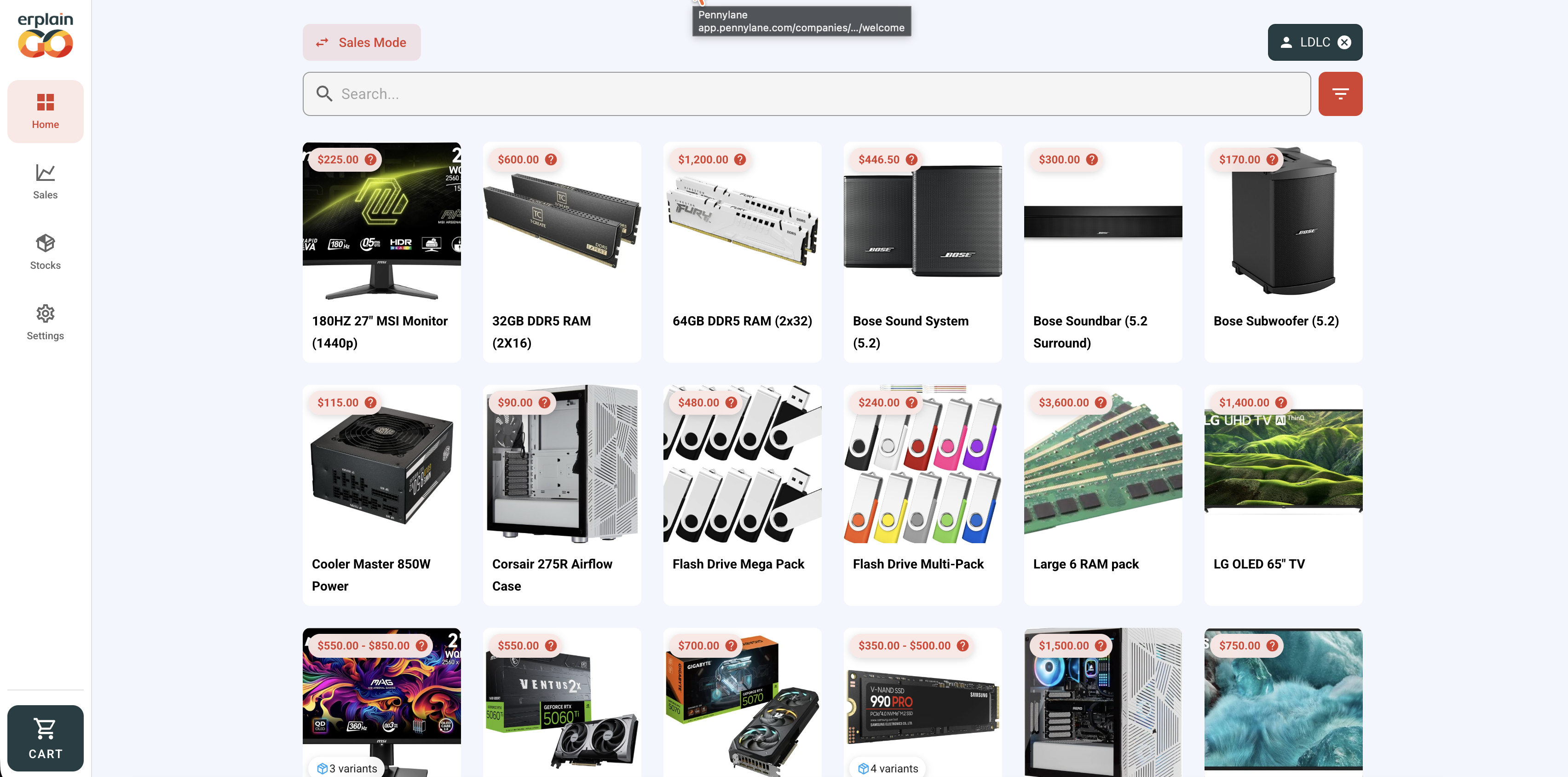
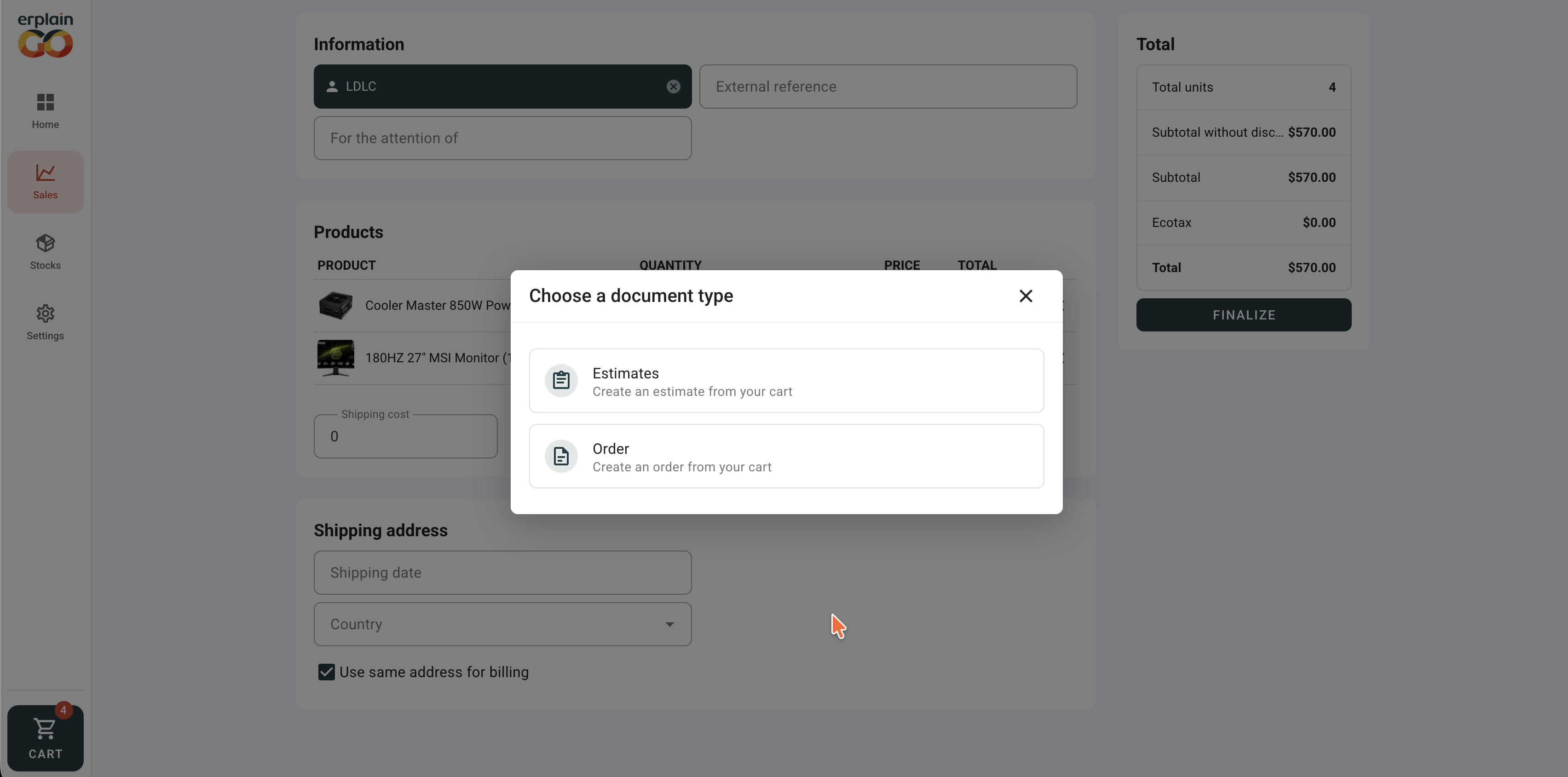
Once the order is ready, you can click on the cart in order to review the order. If everything is correct, you can finalize the order and decide whether you want to create an Estimate or a Sales Order in Erplain.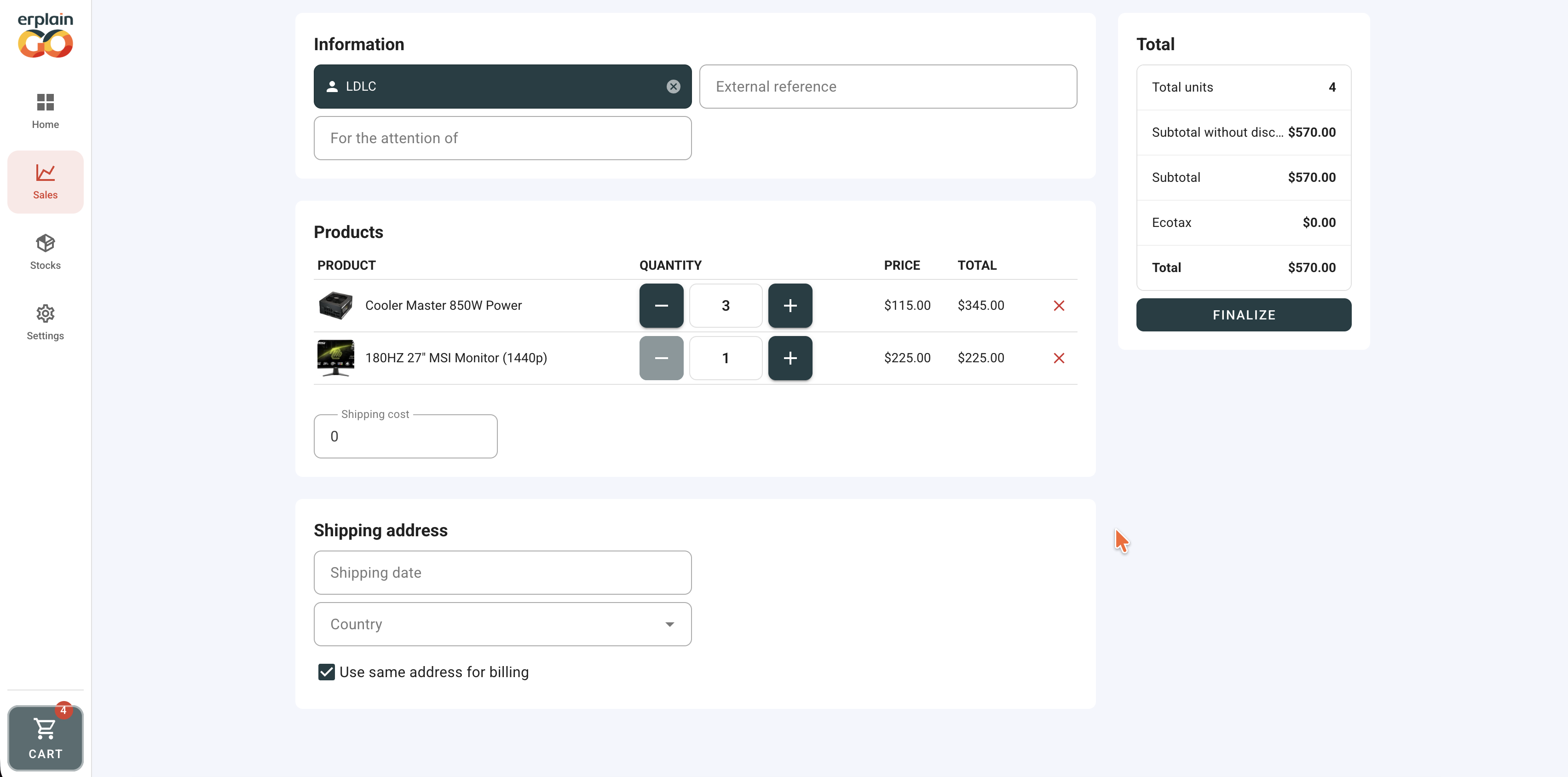
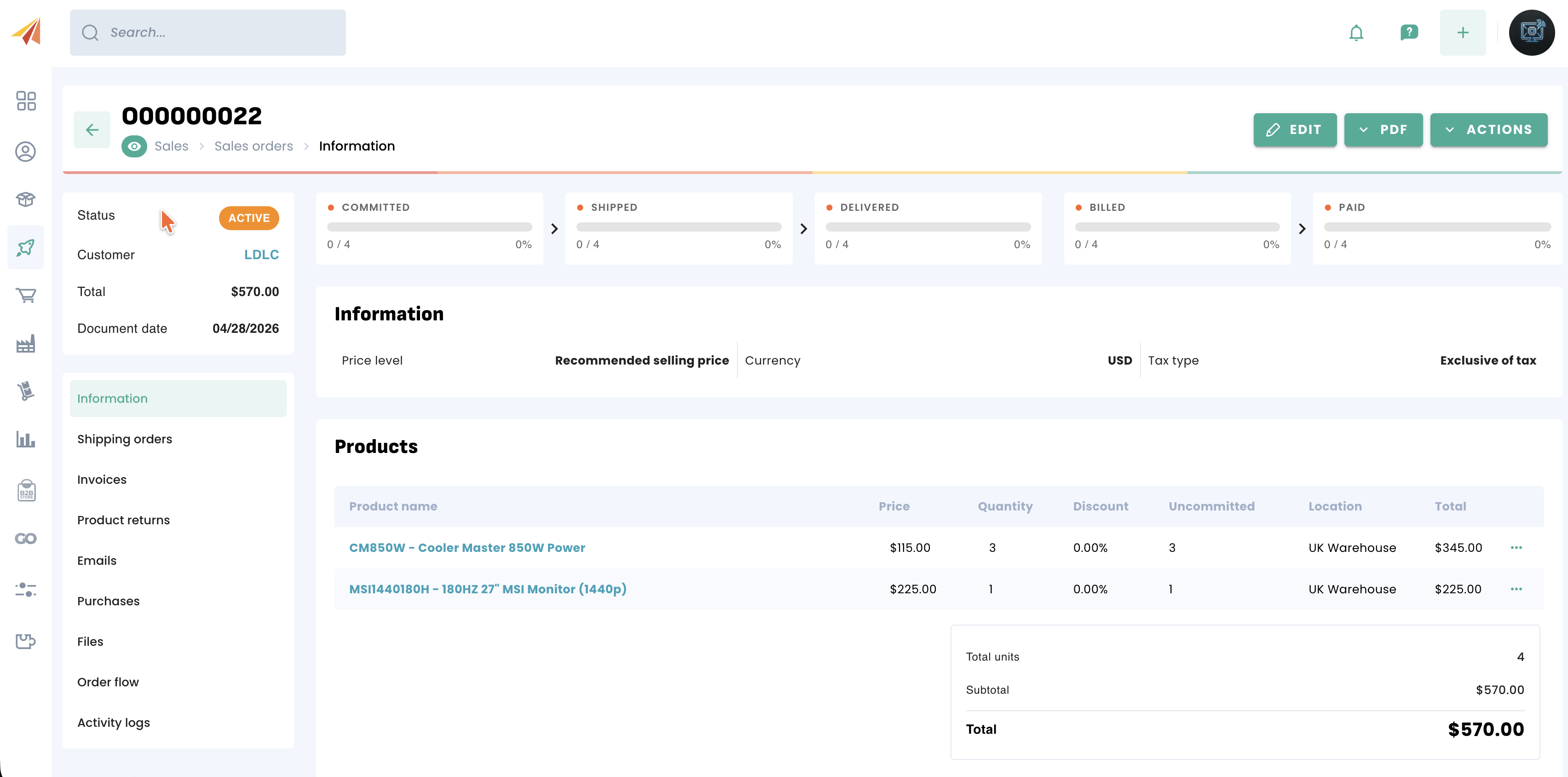
When the order has been succesfully placed, you will see a recap and the order will be available in Erplain automatically.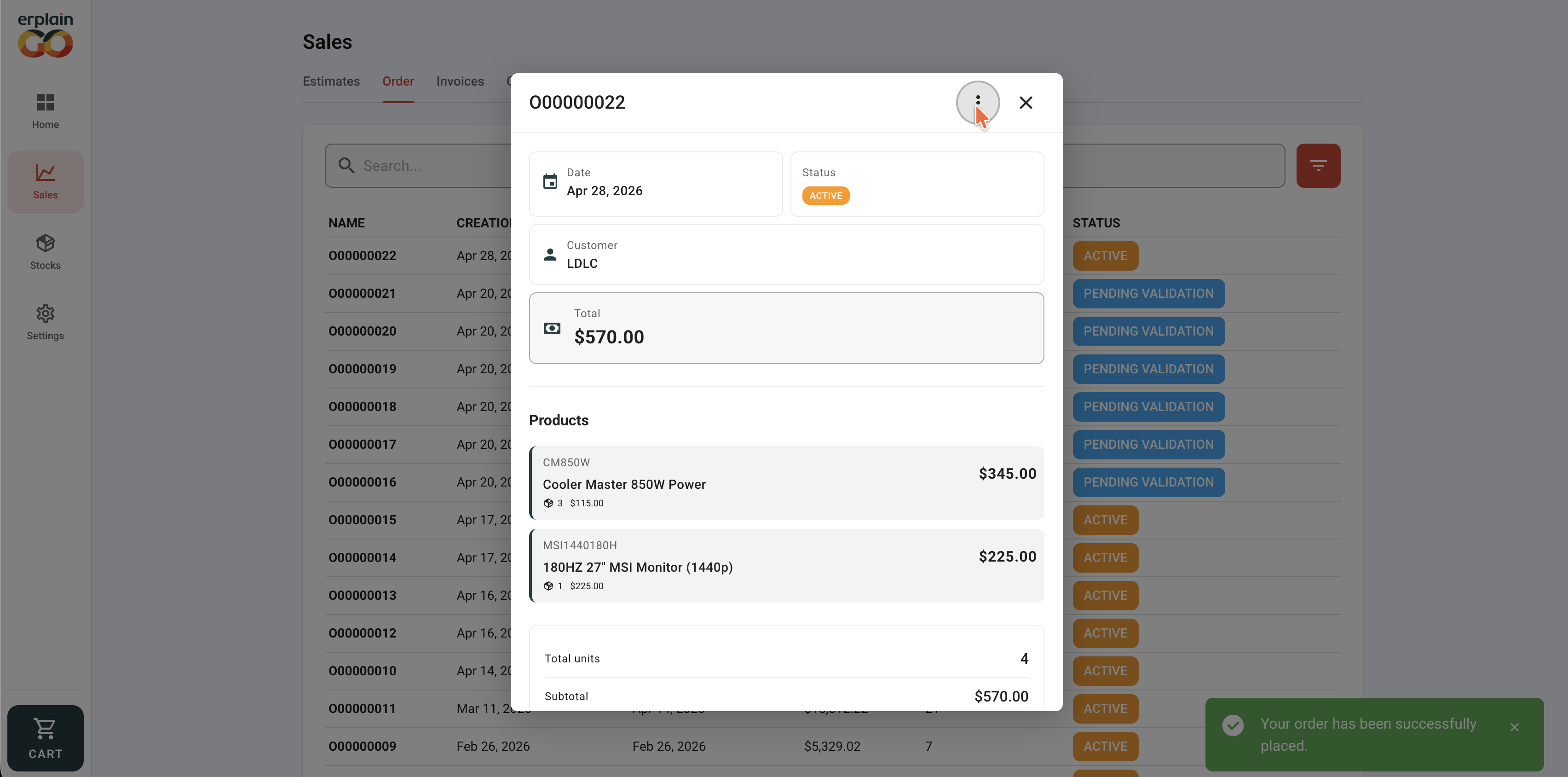
Was this article helpful?
That’s Great!
Thank you for your feedback
Sorry! We couldn't be helpful
Thank you for your feedback
Feedback sent
We appreciate your effort and will try to fix the article