With your price levels set up, you have different ways to configure your pricing options.
Prerequisites
Before making any price updates, please ensure that you have created or imported your products in Erplain.
You'll also need to create your price levels. Those prerequisites will ensure that you have your product catalog and al of your pricing options available when starting to make your price updates.
Price bulk update
The price bulk update allows you to manually add different prices to your products on the fly. You can select a price level and update the price of every product in an instant.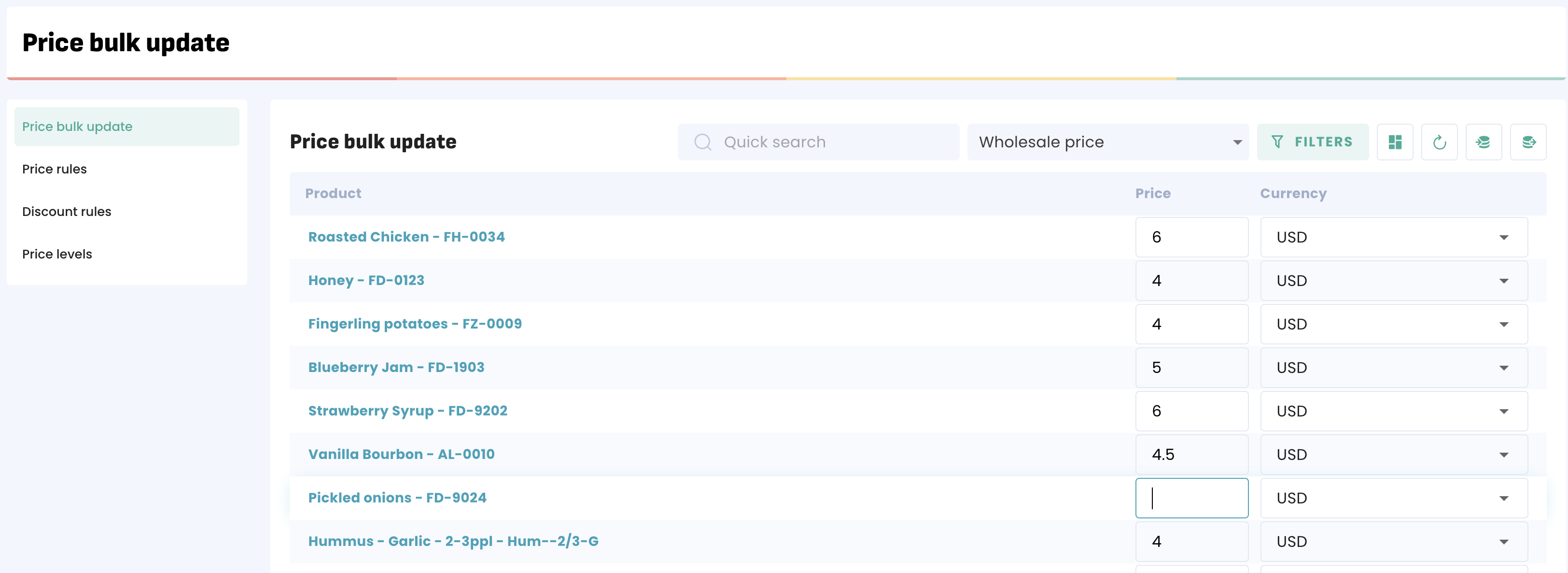
Price import/export
An export of the prices is also an option if you want to update a large quantity of prices in one go. To do that, simply select a price level and click on 'export prices':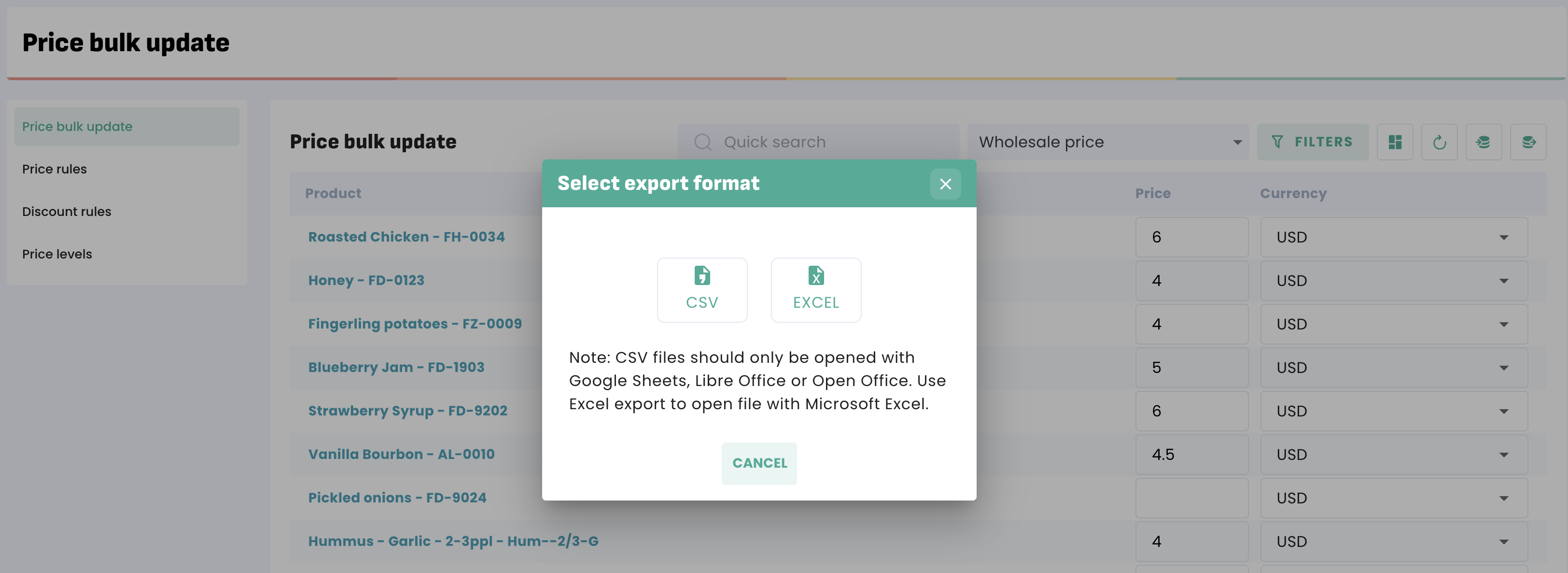
After dowloading the file, you can edit it in your software of choice before importing it back into Erplain, which will update the prices.
Price levels
You can create price levels in the price levels section. Any price level you create will be able available as a filter or a condition in the other sections. You'll first need to create the price level if you want to do a bulk update or an import.
Was this article helpful?
That’s Great!
Thank you for your feedback
Sorry! We couldn't be helpful
Thank you for your feedback
Feedback sent
We appreciate your effort and will try to fix the article