Erplain allows users to manage their purchases directly from a sales order.
The information is available in the "Purchases" section of any sales order.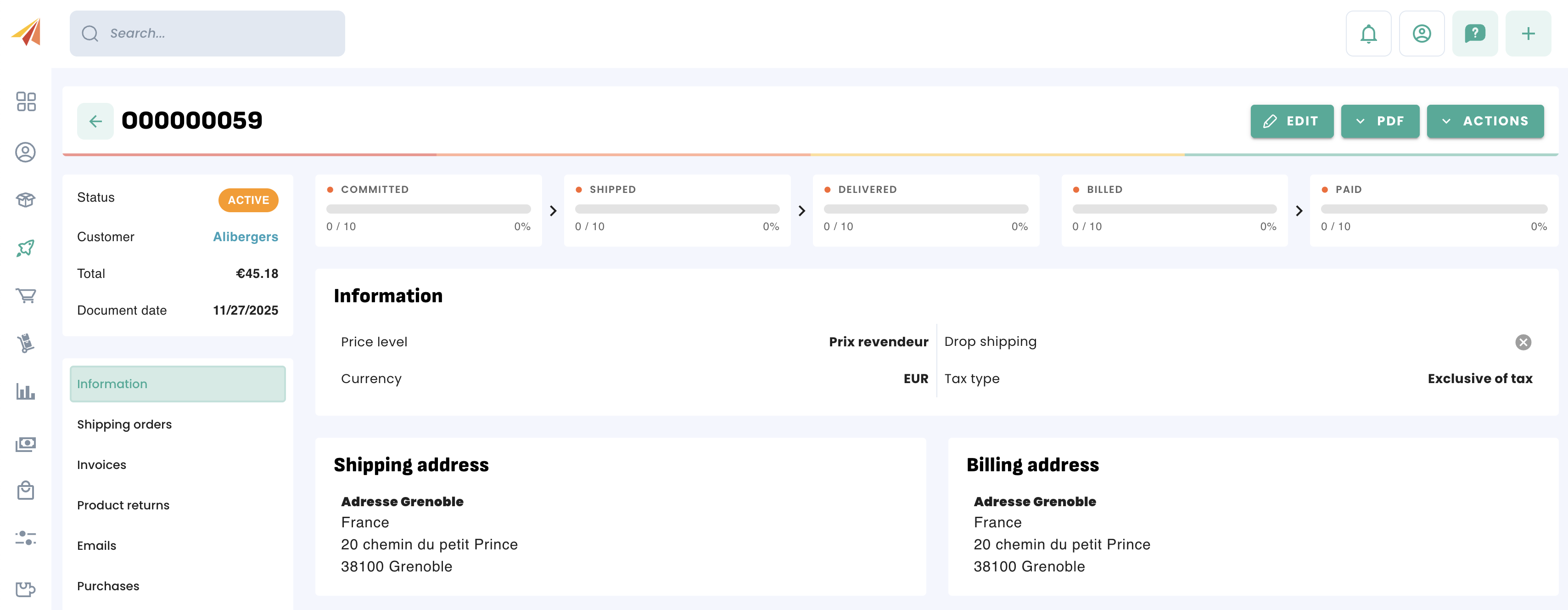
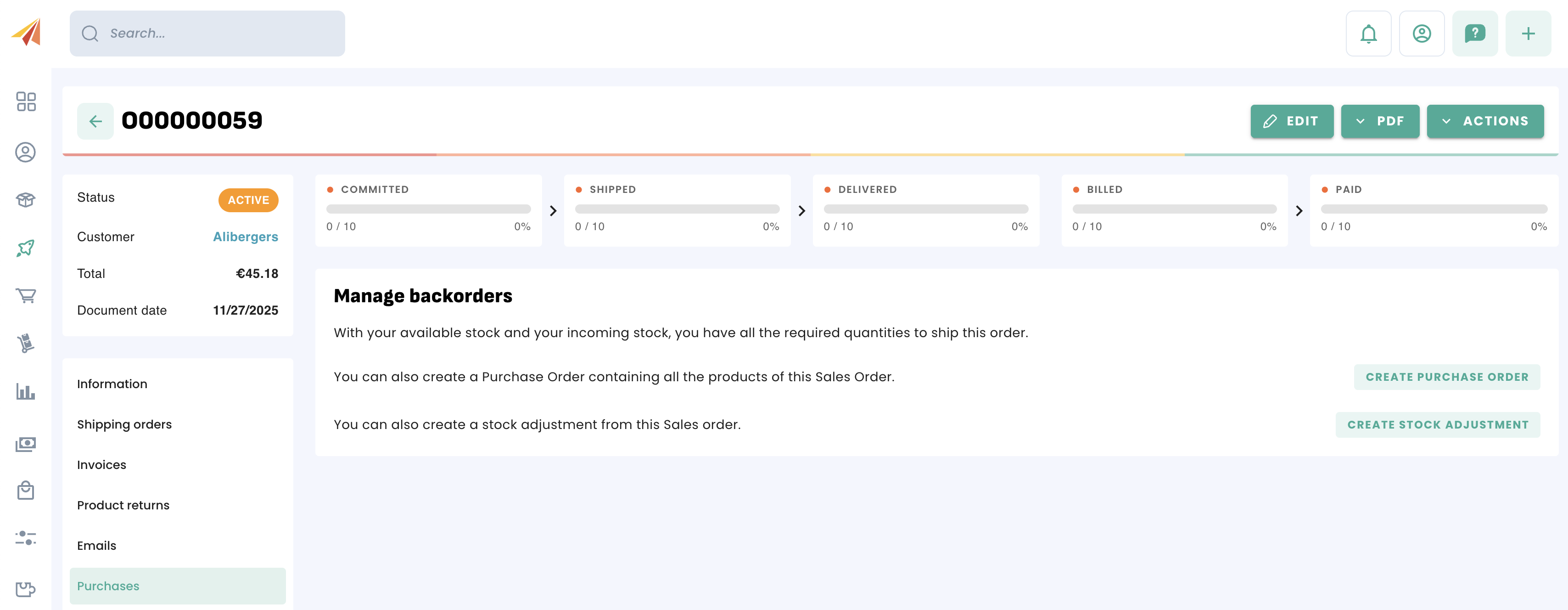
The "Purchases" section contains several options, 2 or 3 depending on the status of your stock.
You can:
If your available and upcoming stock is not sufficient to deliver this order, you can create a purchase containing the missing quantities.
Create a purchase using the quantities from the sales order.
Make a stock adjustment from this order, in case the necessary quantities are in another location.
If you create a purchase from this order, you will then have the option to choose a supplier and then decide to create a new purchase or add these quantities to an active, existing purchase for the same supplier.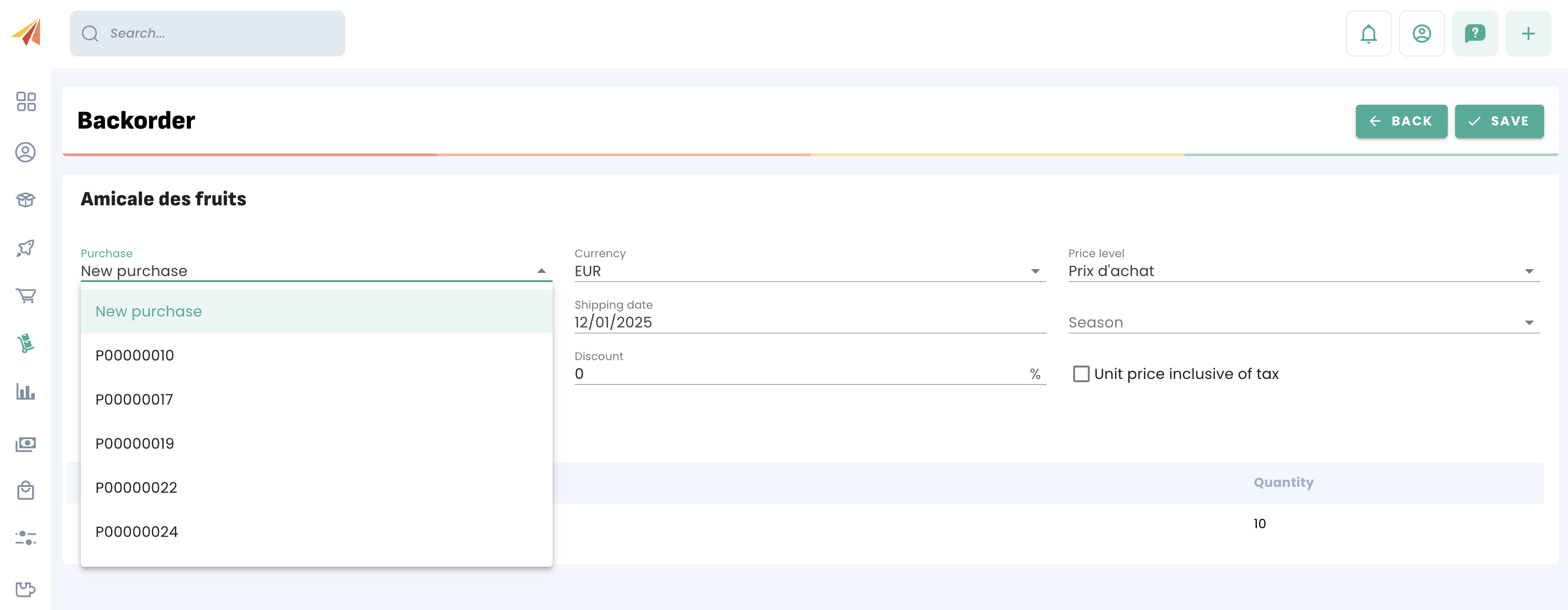
Once the purchase order is created, the "Sales Order" section of the document gives you a path to the original document.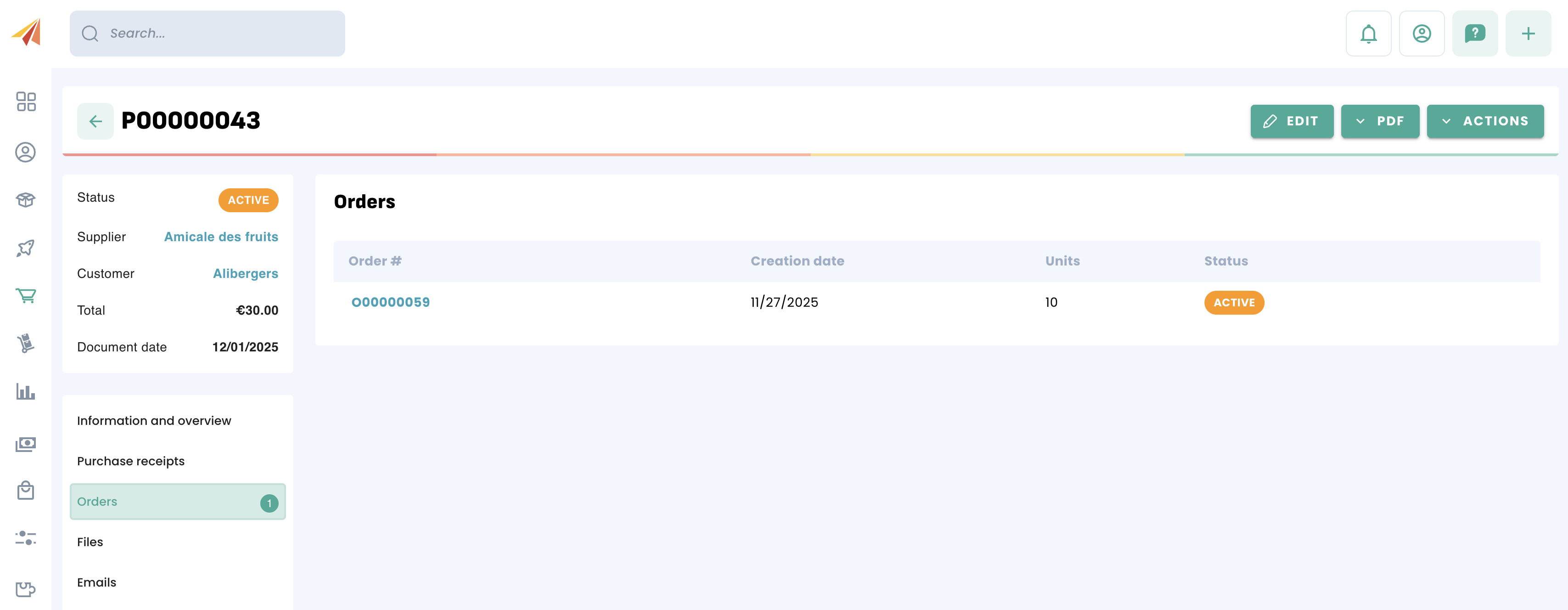
Was this article helpful?
That’s Great!
Thank you for your feedback
Sorry! We couldn't be helpful
Thank you for your feedback
Feedback sent
We appreciate your effort and will try to fix the article